What's inside
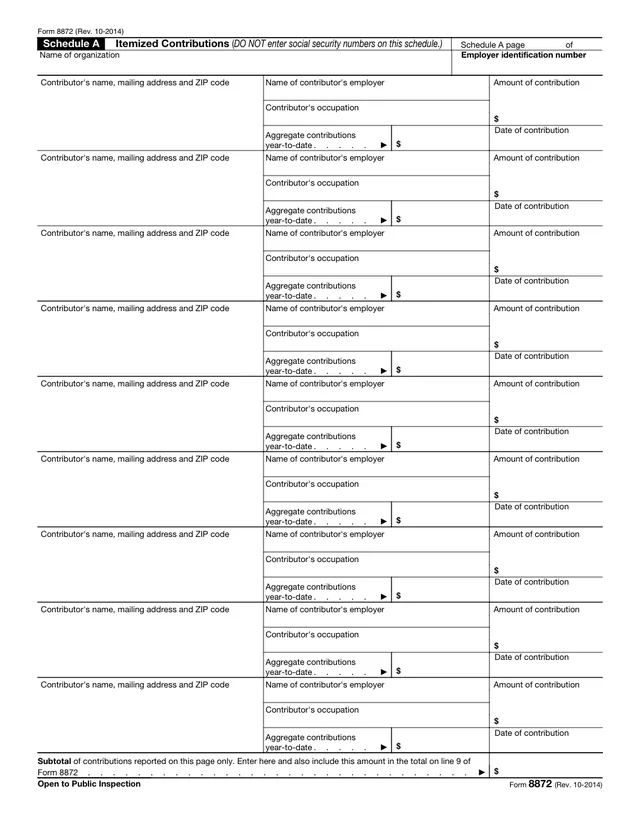
Form content
(Rev. October 2014)
Political Organization
Report of Contributions and Expenditures
▶ Information about Form 8872 and its instructions is available at www.irs.gov/form8872.
▶ Do not enter social security numbers on this form or any attachments to it as they may be made public.
Open to Public
Inspection
A
For the period beginning
, 20 and ending
, 20
B
Check applicable boxes:
Initial report
Change of address
Amended report
Final report
1
Name of organization
Employer identification number
2
Mailing address (P.O. Box or number, street, and room or suite number)
City or town, state or province, country, and ZIP or foreign postal code
3
Email address of organization
4 Date organization was formed
5a
Name of custodian of records
5b Custodian's address
6a
Name of contact person
6b Contact person's address
7
Business address of organization (if different from mailing address shown above). Number, street, and room or suite number
City or town, state or province, country, and ZIP or foreign postal code
8
Type of report (check only one box) a
First quarterly report (due by April 15) b
Second quarterly report (due by July 15) c
Third quarterly report (due by October 15) d
Year-end report (due
How to fill it
Fill or edit this form in MePDF
- Preview page 2 to confirm the form name and revision.
- Select Fill form to answer the form one page at a time.
- Type an answer for each field; checkboxes and choices use the form’s own options.
- Preview the finished pages, then download the flattened PDF.
- The downloaded copy is image-only, so it cannot be edited as a form again.
Fill only the fields that apply and do not change clauses you were not asked to change. The editor keeps the original layout while you fill the existing fields.