What's inside
Form content
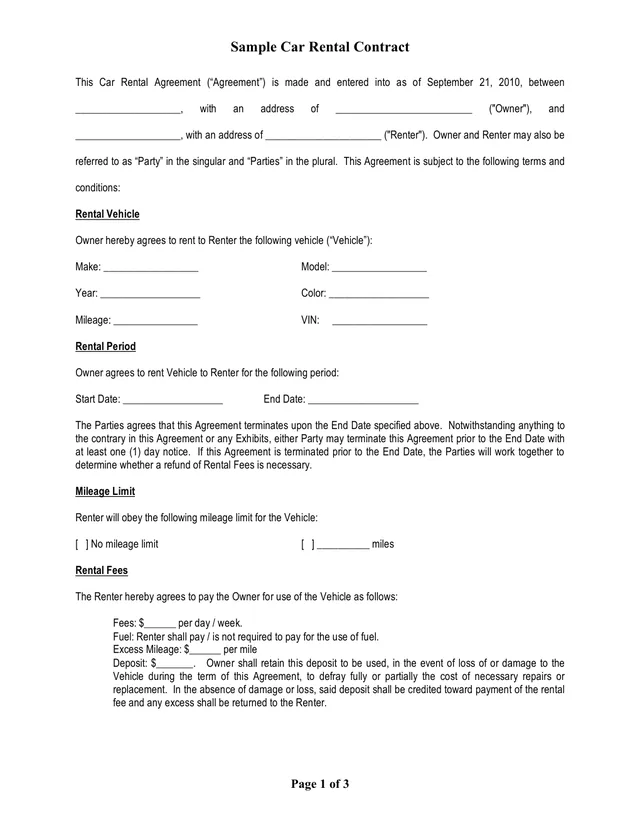
Sample Car Rental Contract
This Car Rental Agreement (“Agreement”) is made and entered into as of September 21, 2010, between
____________________, with an address of
__________________________
("Owner"), and
____________________, with an address of ______________________ ("Renter"). Owner and Renter may also be referred to as “Party” in the singular and “Parties” in the plural. This Agreement is subject to the following terms and conditions:
Rental Vehicle
Owner hereby agrees to rent to Renter the following vehicle (“Vehicle”):
Make: __________________
Model: __________________
Year: ___________________
Color: ___________________
Mileage: ________________
VIN: __________________
Rental Period
Owner agrees to rent Vehicle to Renter for the following period:
Start Date: ___________________
End Date: _____________________
The Parties agrees that this Agreement terminates upon the End Date specified above. Notwithstanding anything to the contrary in this Agreement or any Exhibits, either Party may terminate this Agreement prior to the End Date with at least one (1) day notice. If this Agreement is terminated prior to the End Date, the Parties will work together to determine whether a
How to fill it
Fill or edit this form in MePDF
- Preview page 1 to confirm the form name and revision.
- This PDF has no interactive fields, so the fill wizard cannot ask for answers.
- Use the page preview to check the form, then download or print it from the issuing agency.
Fill only the fields that apply and do not change clauses you were not asked to change. Add only the fields the form needs, then flatten the copy when you export.