What's inside
Form content
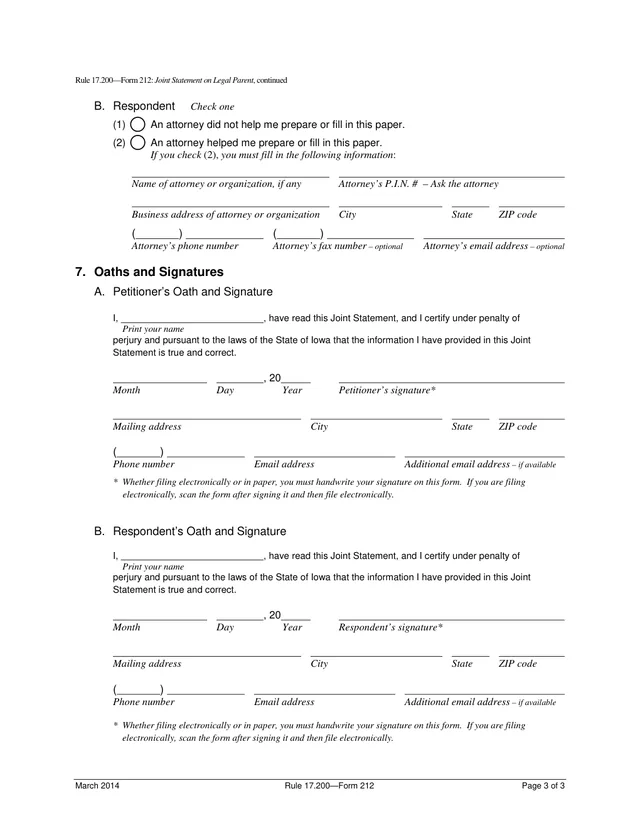
This PDF is image-based. Preview the page to read it, then use the editor to add text or fields.
FieldsClick this button to save this form with the information you entered. This button will not print.Click this button to print this form with the information you entered. This button will not print.Click this button to clear the entire form. This button will not print.County where your case is filedEquity Case Number. You will find the case number on the Petition form 201. You will include this number on every legal paper that you file in your case.Full name of Petitioner as it appears in the PetitionFull name of Respondent as it appears in the PetitionSelect this option to indicate the individual (Petitioner or Respondent) is a legal parent, but not a biological parent of the Petioner's or Respondent's unborn childPetitioner's or Respondent's nameExpected due dateSelect this option to indicate the individual (Petitioner or Respondent) is a legal parent, but not a biological parent of the following children:First, middle, & last initials of each child
How to fill it
Fill or edit this form in MePDF
- Preview page 7 to confirm the form name and revision.
- Select Fill form to answer the form one page at a time.
- Type an answer for each field; checkboxes and choices use the form’s own options.
- Preview the finished pages, then download the flattened PDF.
- The downloaded copy is image-only, so it cannot be edited as a form again.
Fill only the fields that apply and do not change clauses you were not asked to change. The editor keeps the original layout while you fill the existing fields.