What's inside
Form content
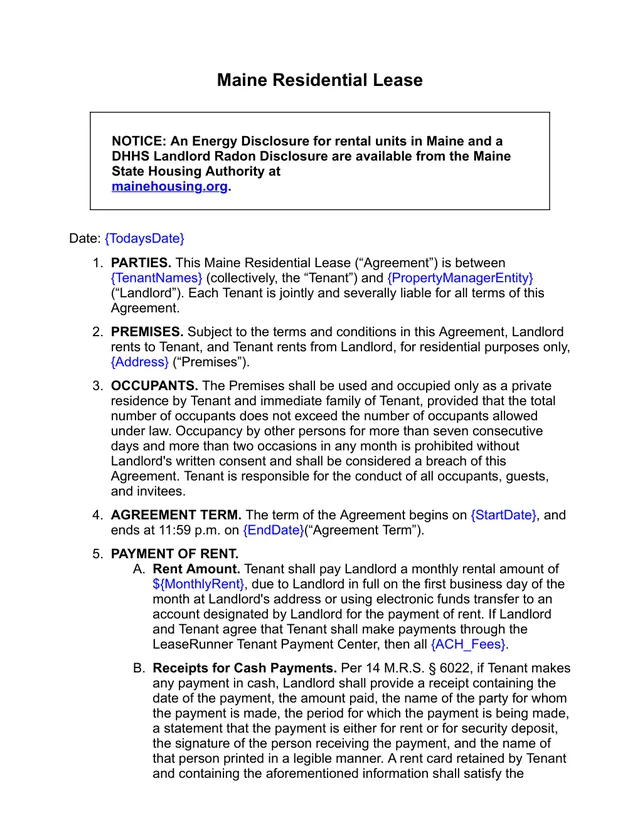
Maine Residential Lease
NOTICE: An Energy Disclosure for rental units in Maine and a
DHHS Landlord Radon Disclosure are available from the Maine
State Housing Authority at mainehousing.org.
Date: {TodaysDate}
1. PARTIES. This Maine Residential Lease (“Agreement”) is between
{TenantNames} (collectively, the “Tenant”) and {PropertyManagerEntity}
(“Landlord”). Each Tenant is jointly and severally liable for all terms of this
Agreement.
2. PREMISES. Subject to the terms and conditions in this Agreement, Landlord rents to Tenant, and Tenant rents from Landlord, for residential purposes only,
{Address} (“Premises”).
3. OCCUPANTS. The Premises shall be used and occupied only as a private residence by Tenant and immediate family of Tenant, provided that the total number of occupants does not exceed the number of occupants allowed under law. Occupancy by other persons for more than seven consecutive days and more than two occasions in any month is prohibited without
Landlord's written consent and shall be considered a breach of this
Agreement. Tenant is responsible for the conduct of all occupants, guests, and invitees.
4. AGREEMENT TERM. The term of the Agreement begins on {StartDate}, and
How to fill it
Fill or edit this form in MePDF
- Preview page 1 to confirm the form name and revision.
- This PDF has no interactive fields, so the fill wizard cannot ask for answers.
- Use the page preview to check the form, then download or print it from the issuing agency.
Fill only the fields that apply and do not change clauses you were not asked to change. Add only the fields the form needs, then flatten the copy when you export.