What's inside
Form content
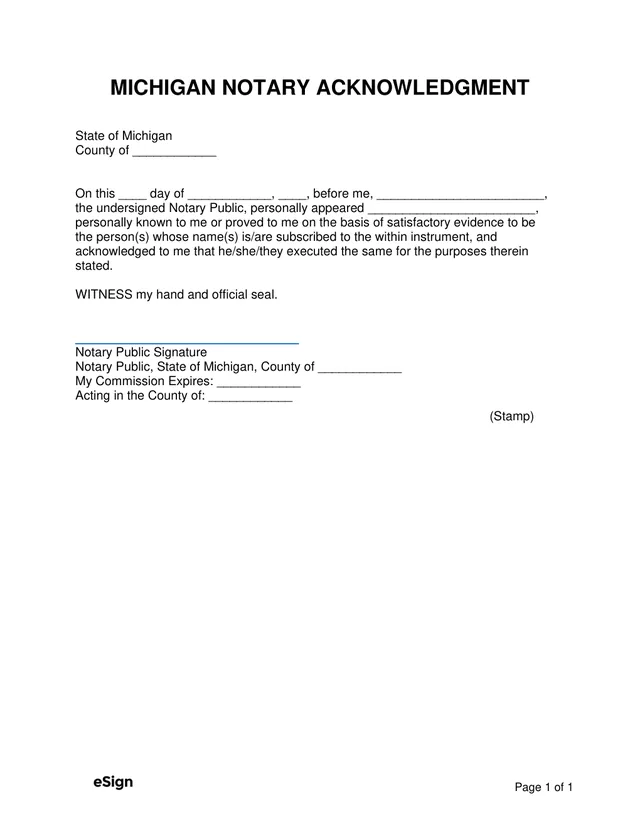
MICHIGAN NOTARY ACKNOWLEDGMENT
State of Michigan
County of ____________
On this ____ day of ____________, ____, before me, ________________________, the undersigned Notary Public, personally appeared ________________________, personally known to me or proved to me on the basis of satisfactory evidence to be the person(s) whose name(s) is/are subscribed to the within instrument, and acknowledged to me that he/she/they executed the same for the purposes therein stated.
WITNESS my hand and official seal.
________________________________
Notary Public Signature
Notary Public, State of Michigan, County of ____________
My Commission Expires: ____________
Acting in the County of: ____________
(Stamp)
How to fill it
Fill or edit this form in MePDF
- Preview page 1 to confirm the form name and revision.
- Select Fill form to answer the form one page at a time.
- Type an answer for each field; checkboxes and choices use the form’s own options.
- Preview the finished pages, then download the flattened PDF.
- The downloaded copy is image-only, so it cannot be edited as a form again.
Fill only the fields that apply and do not change clauses you were not asked to change. The editor keeps the original layout while you fill the existing fields.