What's inside
Form content
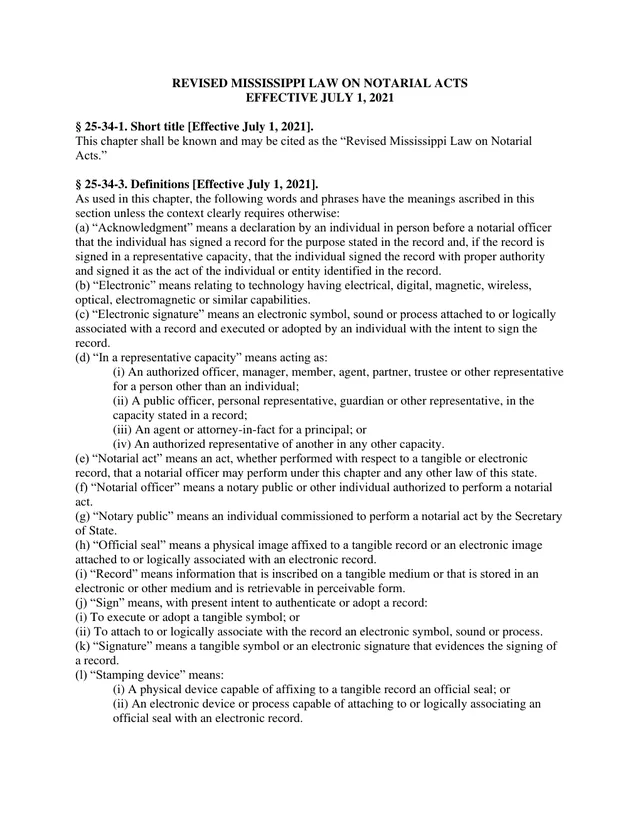
REVISED MISSISSIPPI LAW ON NOTARIAL ACTS
EFFECTIVE JULY 1, 2021
§ 25-34-1. Short title [Effective July 1, 2021].
This chapter shall be known and may be cited as the “Revised Mississippi Law on Notarial
Acts.”
§ 25-34-3. Definitions [Effective July 1, 2021].
As used in this chapter, the following words and phrases have the meanings ascribed in this section unless the context clearly requires otherwise:
(a) “Acknowledgment” means a declaration by an individual in person before a notarial officer that the individual has signed a record for the purpose stated in the record and, if the record is signed in a representative capacity, that the individual signed the record with proper authority and signed it as the act of the individual or entity identified in the record.
(b) “Electronic” means relating to technology having electrical, digital, magnetic, wireless, optical, electromagnetic or similar capabilities.
(c) “Electronic signature” means an electronic symbol, sound or process attached to or logically associated with a record and executed or adopted by an individual with the intent to sign the record.
(d) “In a representative capacity” means acting as:
(i) An authorized officer, mana
How to fill it
Fill or edit this form in MePDF
- Preview page 1 to confirm the form name and revision.
- This PDF has no interactive fields, so the fill wizard cannot ask for answers.
- Use the page preview to check the form, then download or print it from the issuing agency.
Fill only the fields that apply and do not change clauses you were not asked to change. Add only the fields the form needs, then flatten the copy when you export.