What's inside
Form content
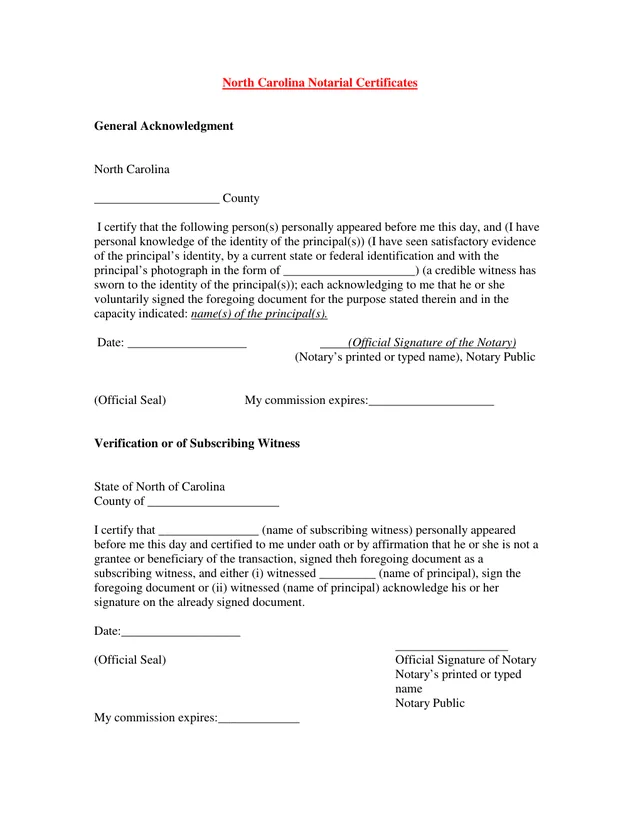
North Carolina Notarial Certificates
General Acknowledgment
North Carolina
____________________ County
I certify that the following person(s) personally appeared before me this day, and (I have personal knowledge of the identity of the principal(s)) (I have seen satisfactory evidence of the principal’s identity, by a current state or federal identification and with the principal’s photograph in the form of _____________________) (a credible witness has sworn to the identity of the principal(s)); each acknowledging to me that he or she voluntarily signed the foregoing document for the purpose stated therein and in the capacity indicated: name(s) of the principal(s).
Date: ___________________
(Official Signature of the Notary)
(Notary’s printed or typed name), Notary Public
(Official Seal)
My commission expires:____________________
Verification or of Subscribing Witness
State of North of Carolina
County of _____________________
I certify that ________________ (name of subscribing witness) personally appeared before me this day and certified to me under oath or by affirmation that he or she is not a grantee or beneficiary of the transaction, signed theh foregoing document as a subscri
How to fill it
Fill or edit this form in MePDF
- Preview page 1 to confirm the form name and revision.
- This PDF has no interactive fields, so the fill wizard cannot ask for answers.
- Use the page preview to check the form, then download or print it from the issuing agency.
Fill only the fields that apply and do not change clauses you were not asked to change. Add only the fields the form needs, then flatten the copy when you export.