What's inside
Form content
NDLSHC
Stip DWC Form 3 CS/Rev Jun 2025
Read Before Filling Out The Settlement Agreement (Form 3)
Divorce can have serious long-term legal and financial consequences. Only a lawyer who agrees to represent you can tell you about your options based on your circumstances.
This Settlement Agreement (Form 3) is part of the Filing for Divorce Together – With Children forms packet. You may use this forms packet if All of the following are true:
• You and your spouse are currently in communication with each other.
• You and your spouse agree on All issues. Both spouses must date and sign Forms 3, 4 &
5. (See Forms 3, 4, & 5 for the issues that you both must agree to in writing.)
• The spouse listed as Plaintiff has lived in North Dakota for at least the last 6 months.
• All of the minor children of the marriage have lived in North Dakota with a spouse for at least the past 6 months (or since birth);
*Or*
Within the past 6 months, North Dakota was the home state of all of the minor children of the marriage and one spouse still lives in North Dakota.
• This is the only legal action in North Dakota, any other state, or tribe between you and your spouse regarding the marriage or your minor chil
How to fill it
Fill or edit this form in MePDF
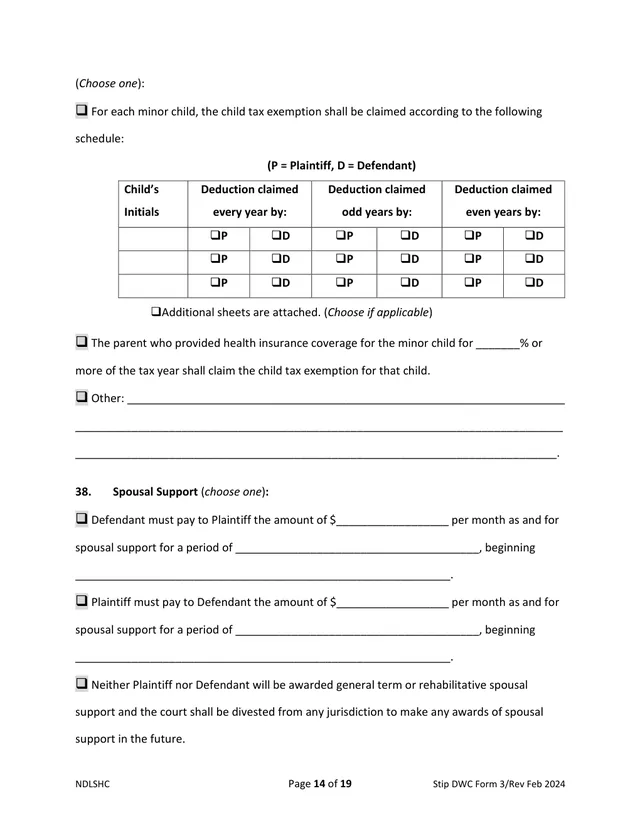
- Preview page 24 to confirm the form name and revision.
- Select Fill form to answer the form one page at a time.
- Type an answer for each field; checkboxes and choices use the form’s own options.
- Preview the finished pages, then download the flattened PDF.
- The downloaded copy is image-only, so it cannot be edited as a form again.
Fill only the fields that apply and do not change clauses you were not asked to change. The editor keeps the original layout while you fill the existing fields.