What's inside
Form content
NDLSHC
Stip DNC Form CS/Rev Aug 2023
Before You Begin – Review Form 3 & Form 4
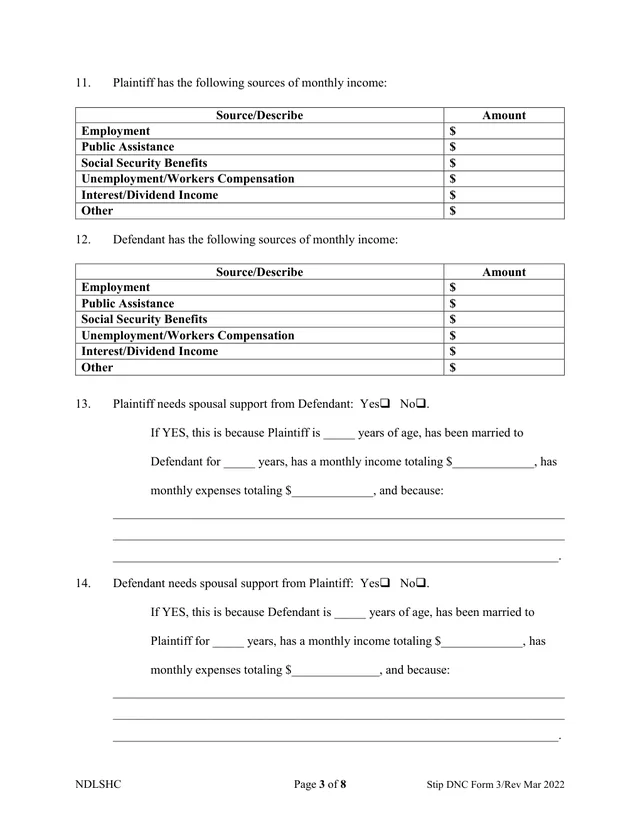
Before you begin the steps for the Divorce With An Agreement – No Children forms packet, review the “Settlement Agreement” (Form 3) and “Exhibit A: Confidential Division of Property and Debts and Values” (Form 4).
Form 3 and Form 4 make up the Full Written Agreement for this divorce packet.
If you believe that you and your spouse can reach an agreement on Every paragraph of Form 3 and Form 4, follow the instructions to complete All of the forms and file with the Clerk of Court.
If you Don’t Believe you and your spouse can reach an agreement on Every paragraph of Form
3 and Form 4, you Can’t use this packet of forms. To see the other divorce resources available through the ND Legal Self Help Center, go to ndcourts.gov/legal-self-help/divorce. Review the
Summary Divorce packet of forms and the Contested Divorce Informational Guide.
This packet of forms is designed for use in divorces with uncomplicated circumstances and
Doesn’t apply to every possible situation or circumstance. If you discover that this packet of forms doesn’t fit the divorce agreement between you and your spouse, you’ll need to create all
How to fill it
Fill or edit this form in MePDF
- Preview page 4 to confirm the form name and revision.
- Select Fill form to answer the form one page at a time.
- Type an answer for each field; checkboxes and choices use the form’s own options.
- Preview the finished pages, then download the flattened PDF.
- The downloaded copy is image-only, so it cannot be edited as a form again.
Fill only the fields that apply and do not change clauses you were not asked to change. The editor keeps the original layout while you fill the existing fields.