What's inside
Form content
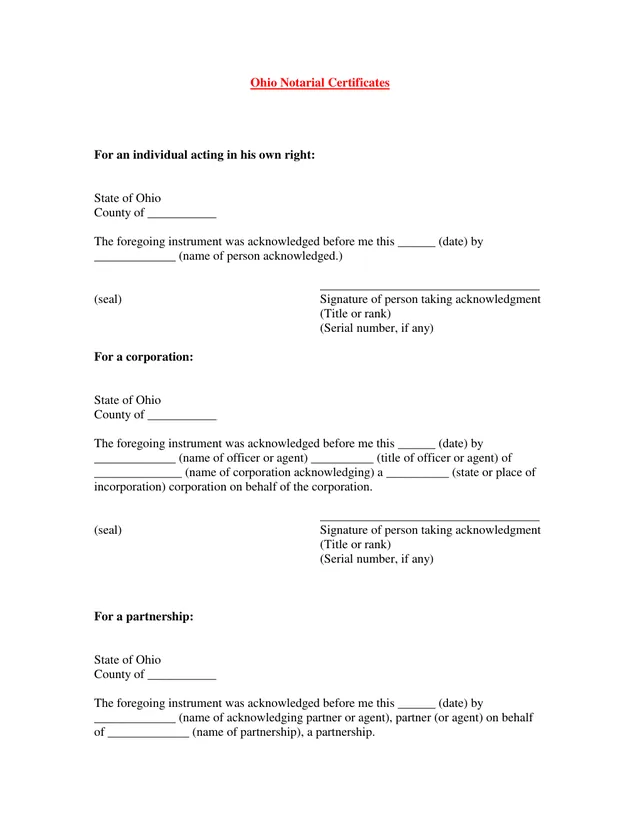
Ohio Notarial Certificates
For an individual acting in his own right:
State of Ohio
County of ___________
The foregoing instrument was acknowledged before me this ______ (date) by
_____________ (name of person acknowledged.)
___________________________________
(seal)
Signature of person taking acknowledgment
(Title or rank)
(Serial number, if any)
For a corporation:
State of Ohio
County of ___________
The foregoing instrument was acknowledged before me this ______ (date) by
_____________ (name of officer or agent) __________ (title of officer or agent) of
______________ (name of corporation acknowledging) a __________ (state or place of incorporation) corporation on behalf of the corporation.
___________________________________
(seal)
Signature of person taking acknowledgment
(Title or rank)
(Serial number, if any)
For a partnership:
State of Ohio
County of ___________
The foregoing instrument was acknowledged before me this ______ (date) by
_____________ (name of acknowledging partner or agent), partner (or agent) on behalf of _____________ (name of partnership), a partnership.
___________________________________
(seal)
Signature of person taking acknowledgment
(Title or rank)
(Se
How to fill it
Fill or edit this form in MePDF
- Preview page 1 to confirm the form name and revision.
- This PDF has no interactive fields, so the fill wizard cannot ask for answers.
- Use the page preview to check the form, then download or print it from the issuing agency.
Fill only the fields that apply and do not change clauses you were not asked to change. Add only the fields the form needs, then flatten the copy when you export.