What's inside
Form content
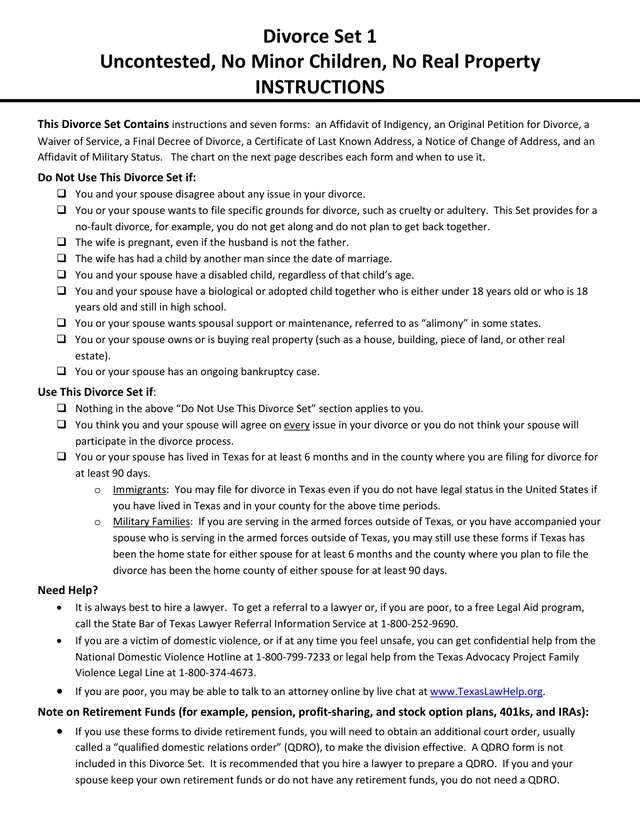
Divorce Set 1
Uncontested, No Minor Children, No Real Property
INSTRUCTIONS
This Divorce Set Contains instructions and seven forms: an Affidavit of Indigency, an Original Petition for Divorce, a
Waiver of Service, a Final Decree of Divorce, a Certificate of Last Known Address, a Notice of Change of Address, and an
Affidavit of Military Status. The chart on the next page describes each form and when to use it.
Do Not Use This Divorce Set if:
You and your spouse disagree about any issue in your divorce.
You or your spouse wants to file specific grounds for divorce, such as cruelty or adultery. This Set provides for a no-fault divorce, for example, you do not get along and do not plan to get back together.
The wife is pregnant, even if the husband is not the father.
The wife has had a child by another man since the date of marriage.
You and your spouse have a disabled child, regardless of that child’s age.
You and your spouse have a biological or adopted child together who is either under 18 years old or who is 18 years old and still in high school.
You or your spouse wants spousal support or maintenance, referred to as “alimony” in some states.
You or your spouse owns
How to fill it
Fill or edit this form in MePDF
- Preview page 1 to confirm the form name and revision.
- This PDF has no interactive fields, so the fill wizard cannot ask for answers.
- Use the page preview to check the form, then download or print it from the issuing agency.
Fill only the fields that apply and do not change clauses you were not asked to change. Add only the fields the form needs, then flatten the copy when you export.