What's inside
Form content
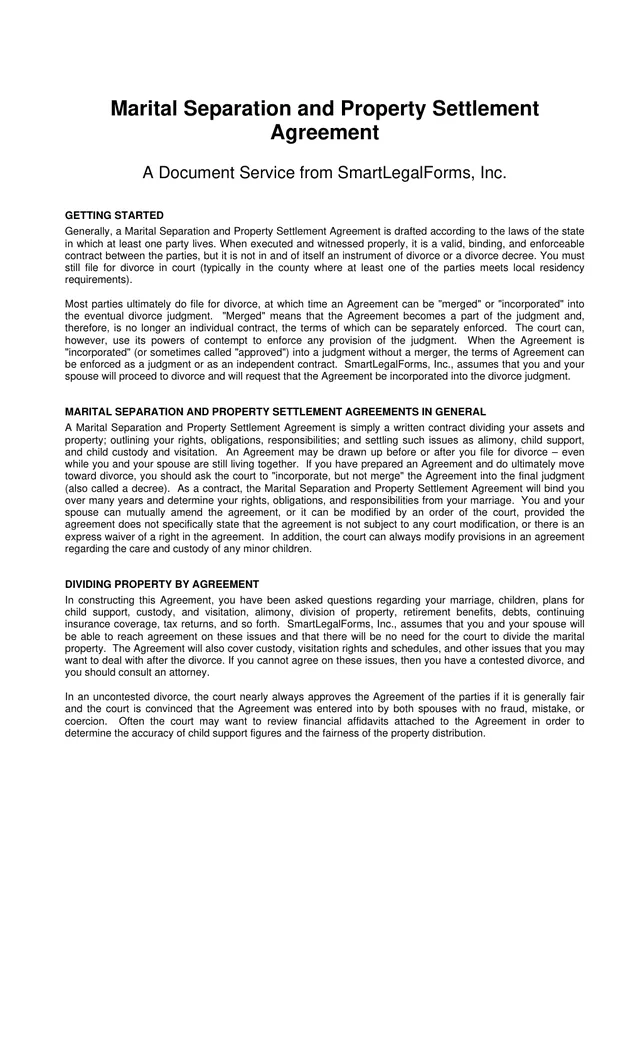
Marital Separation and Property Settlement
Agreement
A Document Service from SmartLegalForms, Inc.
GETTING STARTED
Generally, a Marital Separation and Property Settlement Agreement is drafted according to the laws of the state in which at least one party lives. When executed and witnessed properly, it is a valid, binding, and enforceable contract between the parties, but it is not in and of itself an instrument of divorce or a divorce decree. You must still file for divorce in court (typically in the county where at least one of the parties meets local residency requirements).
Most parties ultimately do file for divorce, at which time an Agreement can be "merged" or "incorporated" into the eventual divorce judgment. "Merged" means that the Agreement becomes a part of the judgment and, therefore, is no longer an individual contract, the terms of which can be separately enforced. The court can, however, use its powers of contempt to enforce any provision of the judgment. When the Agreement is
"incorporated" (or sometimes called "approved") into a judgment without a merger, the terms of Agreement can be enforced as a judgment or as an independent contract. SmartLegalForms, Inc., assum
How to fill it
Fill or edit this form in MePDF
- Preview page 1 to confirm the form name and revision.
- This PDF has no interactive fields, so the fill wizard cannot ask for answers.
- Use the page preview to check the form, then download or print it from the issuing agency.
Fill only the fields that apply and do not change clauses you were not asked to change. Add only the fields the form needs, then flatten the copy when you export.