What's inside
Form content
VERMONT 30-DAY NOTICE (NON-COMPLIANCE)
In Accordance with § 4467
To: Tenant(s): ________________________________
From: Landlord: ________________________________
Address of Leased Premises: _______________________________________________
Date of Signed Lease Agreement: ________________________________
NOTICE IS HEREBY GIVEN that you are in breach of the Lease Agreement on the above described lease premises due to the following:
___________________________________________________________________________
___________________________________________________________________________
___________________________________________________________________________
___________________________________________________________________________
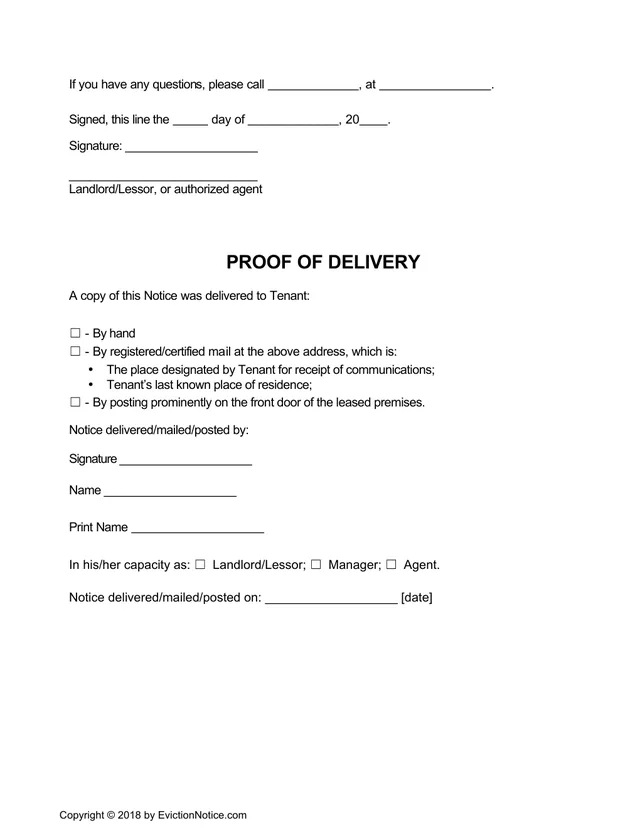
IF YOU FAIL TO CURE THE LEASE VIOLATION, your Lease will be terminated and you must surrender possession of the premises to Landlord. If you fail, within the thirty
(30) day notice period, either to remedy the non-compliance, or to surrender possession of the premises, legal proceedings will be commenced against you to recover possession and to recover a judgment for the rent and damages for your unlawful detention of the premises, and all costs of court inclu
How to fill it
Fill or edit this form in MePDF
- Preview page 2 to confirm the form name and revision.
- Select Fill form to answer the form one page at a time.
- Type an answer for each field; checkboxes and choices use the form’s own options.
- Preview the finished pages, then download the flattened PDF.
- The downloaded copy is image-only, so it cannot be edited as a form again.
Confirm the property address and the parties' legal names. The editor keeps the original layout while you fill the existing fields.