What's inside
Form content
(Rev. December 2025)
Return of Excise Taxes Related to Employee Benefit Plans
(under sections 4965, 4971, 4972, 4973(a)(3), 4975, 4976, 4977, 4978, 4979,
4979A, 4980, and 4980F of the Internal Revenue Code)
Go to www.irs.gov/Form5330 for instructions and the latest information.
Filer tax year beginning
, and ending
,
A Name of filer (see instructions)
Number, street, and room or suite no. (If a P.O. box or foreign address, see instructions.)
City or town
State or province
Country
ZIP or foreign postal code
B Filer’s identifying number (Enter either the
EIN or SSN, but not both. See instructions.)
Employer identification number (EIN)
Social security number (SSN)
C Name of plan
D Name and address of plan sponsor
E Plan sponsor’s EIN
F Plan year ending (MM/DD/YYYY)
G Plan number
H If this is an amended return, check here
.
.
.
.
.
.
.
.
.
.
.
.
.
.
.
.
Part I
Taxes. You can only complete one section of Part I for each Form 5330 filed. See instructions.
Section A. Taxes that are reported by the last day of the 7th month after the end of the tax year of the employer (or other person who must file the return)
FOR
IRS
USE
ONLY
1
Section 4972 tax on nondeductible contributions to qualified
How to fill it
Fill or edit this form in MePDF
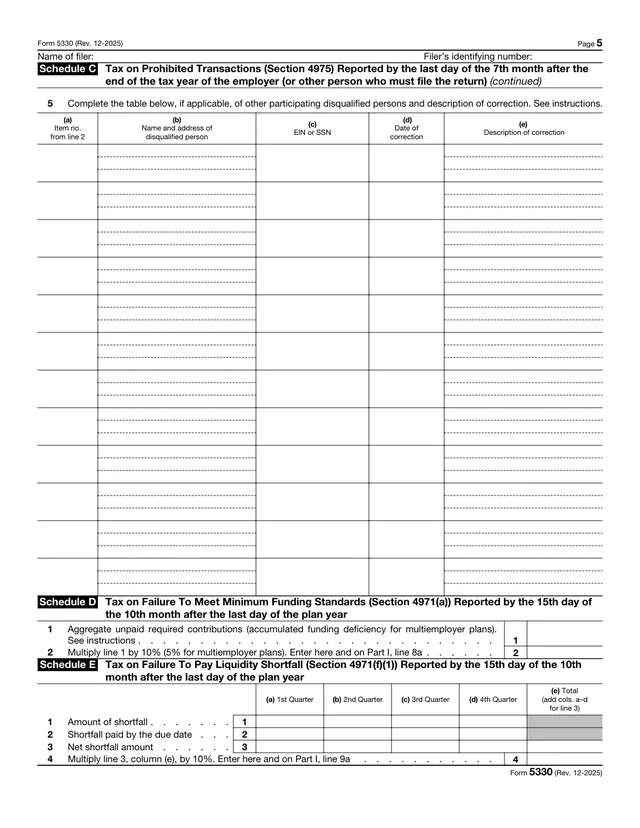
- Preview page 5 to confirm the form name and revision.
- Select Fill form to answer the form one page at a time.
- Type an answer for each field; checkboxes and choices use the form’s own options.
- Preview the finished pages, then download the flattened PDF.
- The downloaded copy is image-only, so it cannot be edited as a form again.
Keep the tax year and filing status consistent on every page. The editor keeps the original layout while you fill the existing fields.