What's inside
Form content
(Rev. December 2024)
Information Return of U.S. Persons With Respect to Certain Foreign Corporations
Go to www.irs.gov/Form5471 for instructions and the latest information.
Information furnished for the foreign corporation’s annual accounting period (tax year required by section 898) (see instructions) beginning
, 20
, and ending
, 20
Attachment
Sequence No. 121
Name of person filing this return
Number, street, and room or suite no. (or P.O. box number if mail is not delivered to street address)
City or town, state, and ZIP code
A Identifying number
B Category of filer (See instructions. Check applicable box(es).):
1a
1b
1c
2
3
4
5a
5b
5c
C Enter the total percentage of the foreign corporation’s voting stock you owned at the end of its annual accounting period
%
Filer’s tax year beginning
, 20
, and ending
, 20
D Check box if this is a final Form 5471 for the foreign corporation .
.
.
.
.
.
.
.
.
.
.
.
.
.
.
.
.
.
.
.
.
.
.
.
.
.
E Check if any excepted specified foreign financial assets are reported on this form (see instructions) .
.
.
.
.
.
.
.
.
.
.
.
.
.
.
.
.
F Check the box if this Form 5471 has been completed using “Alternative Information” under Rev. Proc. 2019-40 .
.
.
.
How to fill it
Fill or edit this form in MePDF
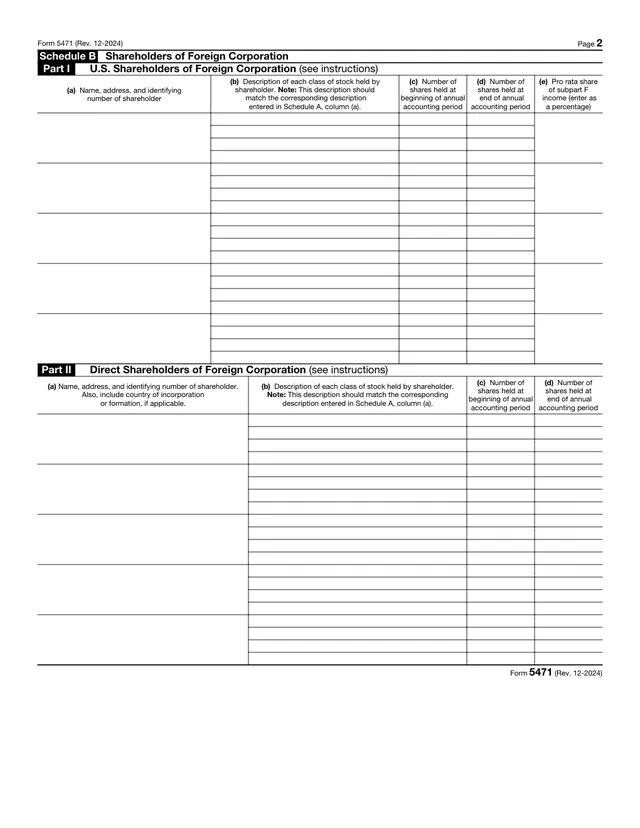
- Preview page 2 to confirm the form name and revision.
- Select Fill form to answer the form one page at a time.
- Type an answer for each field; checkboxes and choices use the form’s own options.
- Preview the finished pages, then download the flattened PDF.
- The downloaded copy is image-only, so it cannot be edited as a form again.
Keep the tax year and filing status consistent on every page. The editor keeps the original layout while you fill the existing fields.