What's inside
Form content
(Rev. August 2025)
United States Estate (and Generation-Skipping Transfer) Tax Return
Estate of Nonresident Not a Citizen of the United States
To be filed for decedents dying after December 31, 2024.
Go to www.irs.gov/Form706NA for instructions and the latest information.
Attach supplemental documents and translations. Show amounts in U.S. dollars.
Part I
Decedent, Executor, and Attorney
1a Decedent’s first (given) name and middle initial
1b Decedent’s last (family) name
2 U.S. taxpayer ID number (if any)
3 Place of death
4 Domicile at time of death
5 Citizenship (nationality)
6 Date of death
7a Date of birth
7b Place of birth
8 Business or occupation
9a Name of executor
9b Telephone number
9c Fax number
9d Email address
9e Address of executor (number and street)
9f Apt. or suite no.
9g City, town, or post office. For foreign addresses, also complete lines 9j, 9k, and 9l.
9h State
9i ZIP code
9j Foreign country name
9k Foreign province/state/county
9l Foreign postal code
10a Name of attorney for estate
10b Telephone number
10c Fax number
10d Email address
10e Address of attorney for estate (number and street)
10f Apt. or suite no. 10g City, town, or post office. For foreign address
How to fill it
Fill or edit this form in MePDF
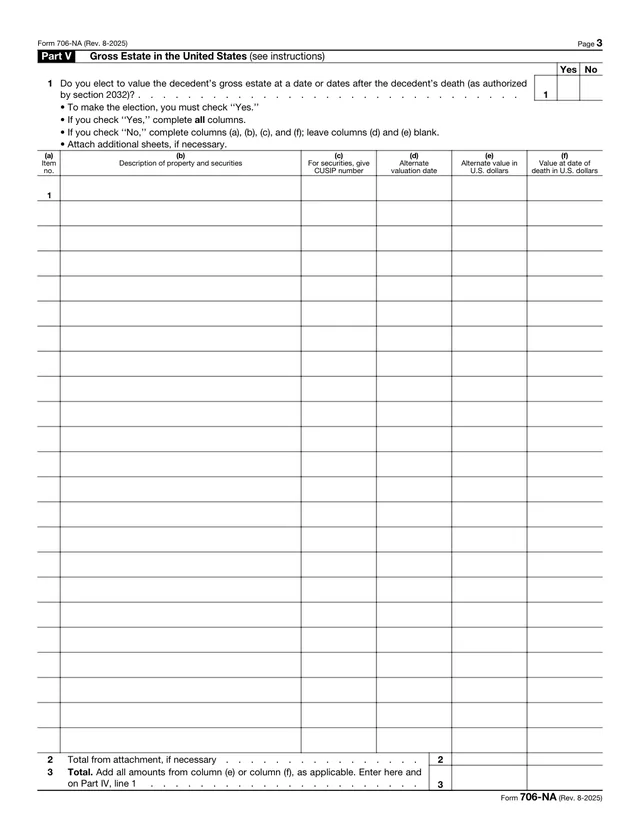
- Preview page 3 to confirm the form name and revision.
- Select Fill form to answer the form one page at a time.
- Type an answer for each field; checkboxes and choices use the form’s own options.
- Preview the finished pages, then download the flattened PDF.
- The downloaded copy is image-only, so it cannot be edited as a form again.
Keep the tax year and filing status consistent on every page. The editor keeps the original layout while you fill the existing fields.