What's inside
Form content
(Form 990)
(Rev. December 2024)
Schedule of Contributors
Attach to Form 990, 990-EZ, or 990-PF.
Go to www.irs.gov/Form990 for the latest information.
Name of the organization
Employer identification number
Organization type (check one):
Filers of:
Section:
Form 990 or 990-EZ
501(c)(
) (enter number) organization
4947(a)(1) nonexempt charitable trust not treated as a private foundation
527 political organization
501(c)(3) exempt private foundation
4947(a)(1) nonexempt charitable trust treated as a private foundation
501(c)(3) taxable private foundation
Check if your organization is covered by the General Rule or a Special Rule.
Note: Only a section 501(c)(7), (8), or (10) organization can check boxes for both the General Rule and a Special Rule. See instructions.
General Rule
For an organization filing Form 990, 990-EZ, or 990-PF that received, during the year, contributions totaling $5,000 or more (in money or property) from any one contributor. Complete Parts I and II. See instructions for determining a contributor’s total contributions.
Special Rules
For an organization described in section 501(c)(3) filing Form 990 or 990-EZ that met the 331/3% support test of the regulations un
How to fill it
Fill or edit this form in MePDF
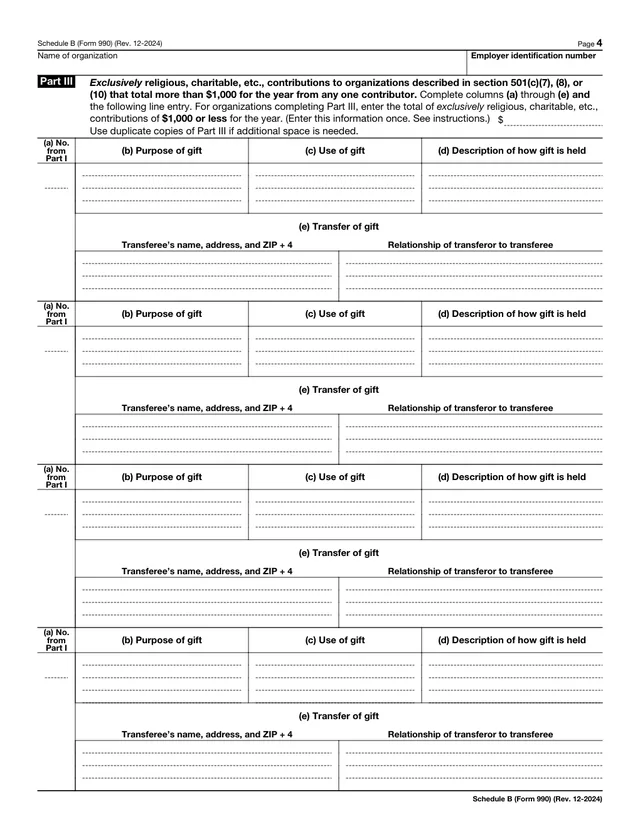
- Preview page 4 to confirm the form name and revision.
- Select Fill form to answer the form one page at a time.
- Type an answer for each field; checkboxes and choices use the form’s own options.
- Preview the finished pages, then download the flattened PDF.
- The downloaded copy is image-only, so it cannot be edited as a form again.
Keep the tax year and filing status consistent on every page. The editor keeps the original layout while you fill the existing fields.