What's inside
Form content
(Form 990)
(Rev. December 2024)
Compensation Information
For certain Officers, Directors, Trustees, Key Employees, and Highest
Compensated Employees
Complete if the organization answered “Yes” on Form 990, Part IV, line 23.
Attach to Form 990.
Go to www.irs.gov/Form990 for instructions and the latest information.
Open to Public
Inspection
Name of the organization
Employer identification number
Part I
Questions Regarding Compensation
Yes
No
1a
Check the appropriate box(es) if the organization provided any of the following to or for a person listed on Form
990, Part VII, Section A, line 1a. Complete Part III to provide any relevant information regarding these items.
First-class or charter travel
Housing allowance or residence for personal use
Travel for companions
Payments for business use of personal residence
Tax indemnification and gross-up payments
Health or social club dues or initiation fees
Discretionary spending account
Personal services (such as maid, chauffeur, chef) b
If any of the boxes on line 1a are checked, did the organization follow a written policy regarding payment or reimbursement or provision of all of the expenses described above? If “No,” complete Part III to e
How to fill it
Fill or edit this form in MePDF
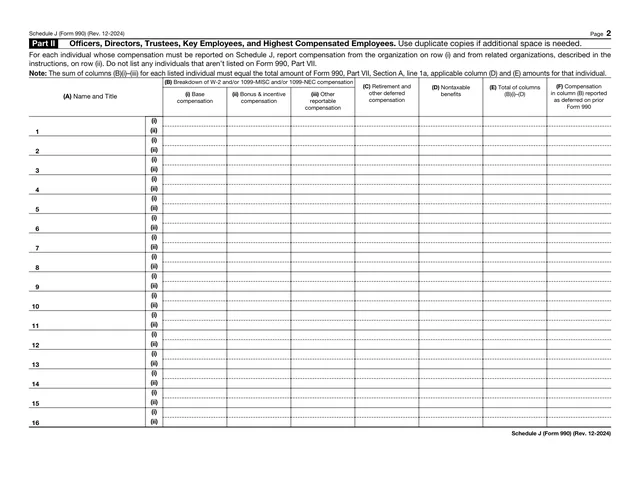
- Preview page 2 to confirm the form name and revision.
- Select Fill form to answer the form one page at a time.
- Type an answer for each field; checkboxes and choices use the form’s own options.
- Preview the finished pages, then download the flattened PDF.
- The downloaded copy is image-only, so it cannot be edited as a form again.
Keep the tax year and filing status consistent on every page. The editor keeps the original layout while you fill the existing fields.