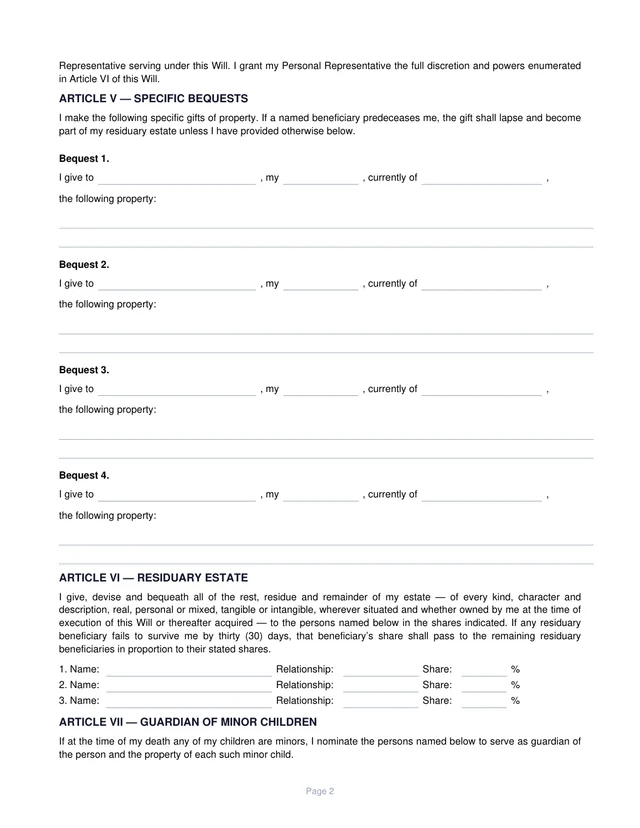
What's inside
Form content
Page 1
FLORIDA LAST WILL AND TESTAMENT
OF
Executed pursuant to Fla. Stat. §§732.502 & 732.503
Florida requires the testator to sign the will (or to acknowledge a previous signature) in the presence of two attesting witnesses, and the witnesses must sign in the presence of the testator and of each other (Fla. Stat. §732.502). The self-proving affidavit below conforms to §732.503.
ARTICLE I — DECLARATION AND IDENTIFICATION
I,
, a resident of the City of
,
County of
, State of
, being of sound mind and memory, not acting under duress, menace, fraud or undue influence of any person whomsoever, do hereby make, publish and declare this instrument to be my LAST WILL AND TESTAMENT, hereby revoking any and all wills and codicils previously made by me.
ARTICLE II — FAMILY INFORMATION
Marital status:
Single
Married
Divorced
Widowed
Spouse Full Legal Name:
My children — both natural-born and legally adopted — are identified below. Any reference in this Will to “my children” shall include all children listed in this Article, together with any children born to or legally adopted by me after the date of execution of this Will.
Children:
1. Name:
Date of Birth:
2. Name:
Date of Birth:
3. Name:
Dat
How to fill it
Fill or edit this form in MePDF
- Preview page 2 to confirm the form name and revision.
- Select Fill form to answer the form one page at a time.
- Type an answer for each field; checkboxes and choices use the form’s own options.
- Preview the finished pages, then download the flattened PDF.
- The downloaded copy is image-only, so it cannot be edited as a form again.
Fill only the fields that apply and keep a copy of the finished PDF. The editor keeps the original layout while you fill the existing fields.