What's inside
Form content
Form G-884 Edition 11/09/23
Request for the Return of Original Documents
Department of Homeland Security
U.S. Citizenship and Immigration Services
►
For
USCIS
Use
Only
Remarks
Date
File No
START HERE - Type or print in black ink.
1.a.
Family Name
(Last Name)
1.b. Given Name
(First Name)
1.c. Middle Name
Your Full Name
Part 1. Information About You (Person requesting the return of original documents)
IMPORTANT NOTE: You do not need to file this request if you submitted original documents because U.S. Citizenship and
Immigration Services (USCIS) requested originals. We will automatically return original documents that we requested once we no longer need them. Please refer to the instructions for the form you filed to determine whether non-requested original documents are available for return or destroyed after electronic processing.
Mailing Address
2.e.
City or Town
2.a.
In Care Of Name
2.f.
State
2.g.
ZIP Code
Street Number and Name
2.b.
2.c.
Ste.
Flr.
Apt.
Other Information
►A-
Alien Registration Number (A-Number) (if any)
3.
City/Town/Village of Birth
5.
6.
Country of Birth
Date of Birth (mm/dd/yyyy)
7.
Provide specific information about the desired documents or records (for examp
How to fill it
Fill or edit this form in MePDF
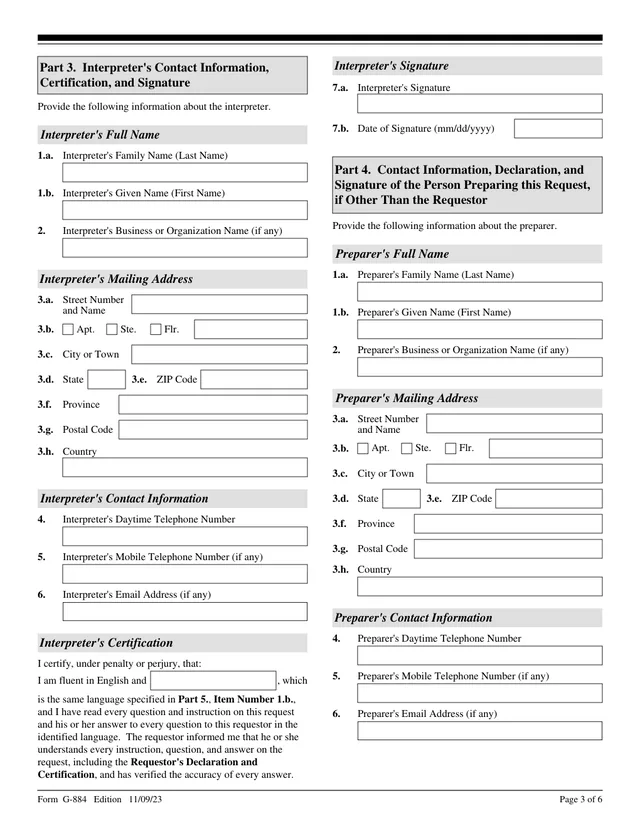
- Preview page 3 to confirm the form name and revision.
- Select Fill form to answer the form one page at a time.
- Type an answer for each field; checkboxes and choices use the form’s own options.
- Preview the finished pages, then download the flattened PDF.
- The downloaded copy is image-only, so it cannot be edited as a form again.
Spell names exactly as they appear in the passport. The editor keeps the original layout while you fill the existing fields.