What's inside
Form content
Mod(F).2406
Notes—1 of 2
When to use this form
Use this form if you (and/or your partner):
• are self-employed or involved in a sole trader business or partnership (in Australia or outside
Australia)
• were involved in a business before claiming JobSeeker Payment or Youth Allowance.
You do not need to complete this form if you (and/or your partner) are:
• no longer involved in a business, and
• claiming a payment other than JobSeeker Payment or Youth Allowance.
If you need your accountant to provide documents and/or information, we will not reimburse fees charged by the accountant.
Upload documents
You can complete this form on your computer and upload it and any supporting documents online.
For more information about how to access an online account or how to lodge documents online, go to www.servicesaustralia.gov.au/centrelinkuploaddocs
Business details
Online account
Definitions
What else you will need to provide
Business partner
A business partner is a person or entity who you operate a business partnership with.
A partnership is 2 or more people or entities operating a business with the intention of making a profit.
Partner
We consider you to have a partner and be a member of a
How to fill it
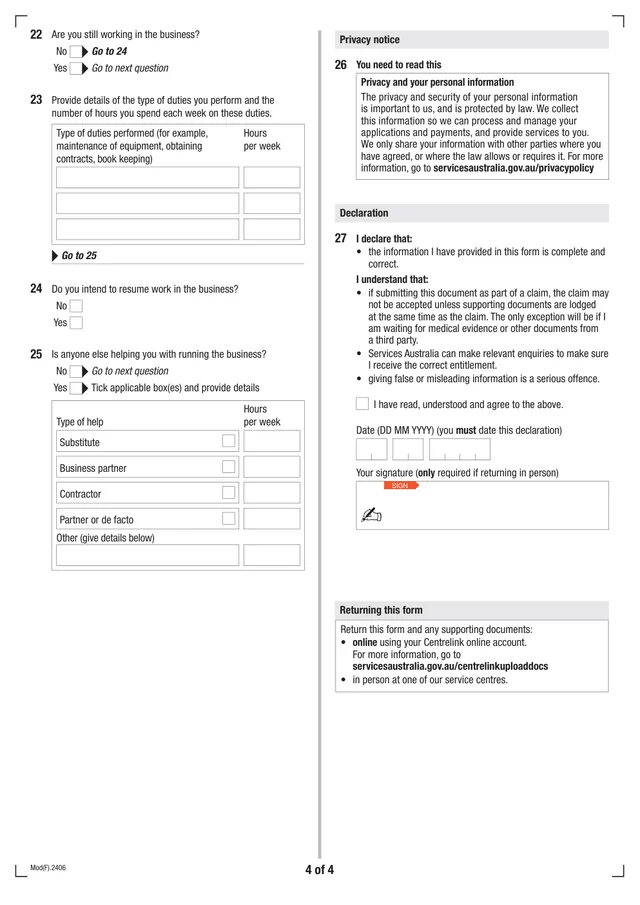
Fill or edit this form in MePDF
- Preview page 6 to confirm the form name and revision.
- Select Fill form to answer the form one page at a time.
- Type an answer for each field; checkboxes and choices use the form’s own options.
- Preview the finished pages, then download the flattened PDF.
- The downloaded copy is image-only, so it cannot be edited as a form again.
Keep the tax year and filing status consistent on every page. The editor keeps the original layout while you fill the existing fields.