What's inside
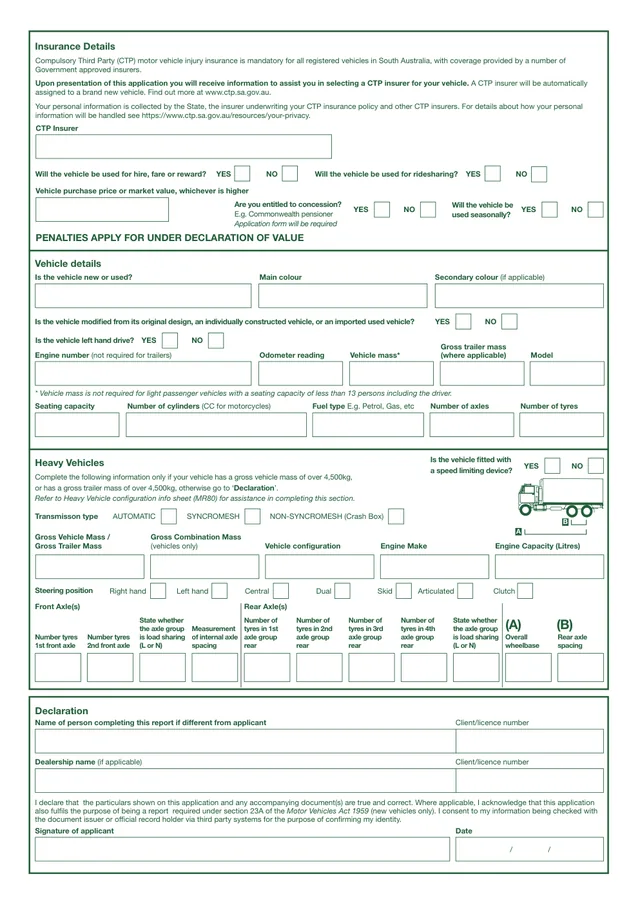
Form content
APPLICATION FOR REGISTRATION
AND COMPULSORY THIRD PARTY INSURANCE
Surname/Body Corporate Name
Number and Street
Number and Street
Number and Street
Is an identification plate fitted or is the vehicle recorded on the Register of Approved Vehicles?
Other (Joint) Names
Client / Licence Number
Date of Birth
ACN
IF THE APPLICANT IS A BODY CORPORATE please provide your ACN (not an ABN). Evidence must be produced.
Residential (home) / Business Address (This is the address that will be recorded on the register)
Postal Address (if different to above address)
Vehicle Identification Number / Chassis Number
Last known plate number (if previously registered)
Month and year of manufacture
New plate number (if applicable)
From whom did you acquire the vehicle?
Signature of Motor Vehicle Dealer
Motor Vehicle Dealer Exemption
I hold a second-hand vehicle dealer’s licence No. ........................................................ and am in the business of selling motor vehicles. The vehicle is being registered for the purpose of resale or demonstration (please note a limit of 12 months applies to vehicles registered for resale or demonstration where a stamp duty exemption is claimed).
/ /
/
If the
How to fill it
Fill or edit this form in MePDF
- Preview page 2 to confirm the form name and revision.
- Select Fill form to answer the form one page at a time.
- Type an answer for each field; checkboxes and choices use the form’s own options.
- Preview the finished pages, then download the flattened PDF.
- The downloaded copy is image-only, so it cannot be edited as a form again.
Use the policy number and the insured's legal name exactly. The editor keeps the original layout while you fill the existing fields.