What's inside
Form content
New Jersey Resident
Income Tax Return
Division use
1
2
3
4
5
6
7
2025 NJ-1040
Your Social Security Number (required)
-
-
Spouse’s/CU Partner’s SSN (if filing jointly)
-
-
County/Municipality Code (See Table page 52)
Fill in if federal extension filed.
Fill in if the address above is a foreign address.
Fill in if your address has changed.
Part-year residents, provide months/days you were a New Jersey resident during 2025:
From: M M / D D / 2 5 To: M M / D D / 2 5
Digital Assets
Did you (or your spouse/CU partner) receive (as a reward, award, or payment for property or services); or sell, exchange, or otherwise dispose of a digital asset in 2025 (or a financial interest in a digital asset)? (See instructions.) Yes
No
Filing Status
Fill in only one.
1.
Single
2.
Married/CU Couple, filing joint return
3.
Married/CU Partner, filing separate return
-
-
Enter spouse’s/CU partner’s SSN
4.
Head of Household
5.
Qualifying Widow(er)/Surviving CU Partner
Indicate the year of your spouse’s/CU partner’s death:
2023 or
2024
Exemptions
Fill in the ovals that apply. You must enter a total in the boxes to the right and complete the calculation.
Spouse/
Domestic
6. Regular............................
How to fill it
Fill or edit this form in MePDF
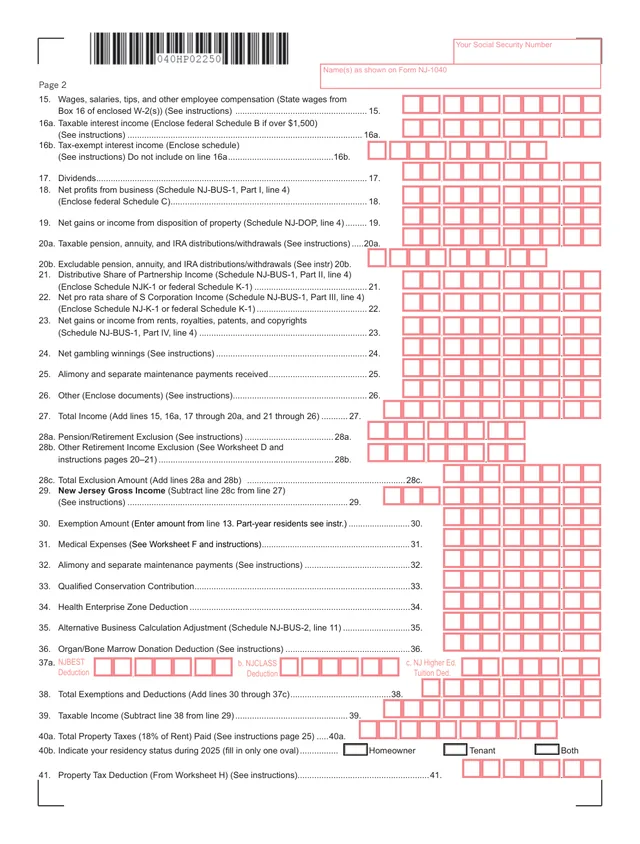
- Preview page 2 to confirm the form name and revision.
- Select Fill form to answer the form one page at a time.
- Type an answer for each field; checkboxes and choices use the form’s own options.
- Preview the finished pages, then download the flattened PDF.
- The downloaded copy is image-only, so it cannot be edited as a form again.
Keep the tax year and filing status consistent on every page. The editor keeps the original layout while you fill the existing fields.