What's inside
Form content
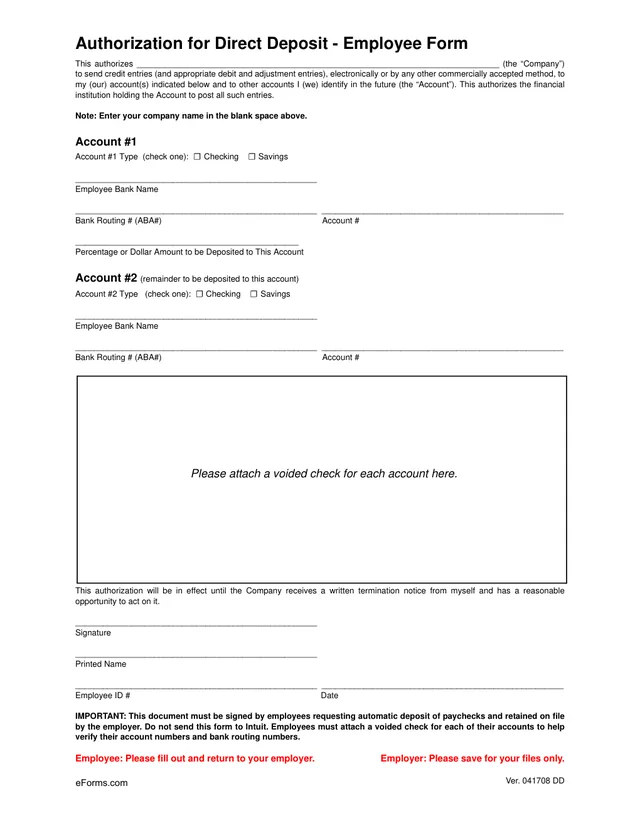
Authorization for Direct Deposit - Employee Form
This authorizes ______________________________________________________________________________ (the “Company”) to send credit entries (and appropriate debit and adjustment entries), electronically or by any other commercially accepted method, to my (our) account(s) indicated below and to other accounts I (we) identify in the future (the “Account”). This authorizes the financial institution holding the Account to post all such entries.
Note: Enter your company name in the blank space above.
Account #1
Account #1 Type (check one): ☐ Checking ☐ Savings
____________________________________________________
Employee Bank Name
____________________________________________________ ____________________________________________________
Bank Routing # (ABA#) Account #
________________________________________________
Percentage or Dollar Amount to be Deposited to This Account
Account #2 (remainder to be deposited to this account)
Account #2 Type (check one): ☐ Checking ☐ Savings
____________________________________________________
Employee Bank Name
____________________________________________________ ______________________________________________
How to fill it
Fill or edit this form in MePDF
- Preview page 1 to confirm the form name and revision.
- Select Fill form to answer the form one page at a time.
- Type an answer for each field; checkboxes and choices use the form’s own options.
- Preview the finished pages, then download the flattened PDF.
- The downloaded copy is image-only, so it cannot be edited as a form again.
Match the employer's legal name and the employee's tax details. The editor keeps the original layout while you fill the existing fields.