What's inside
Form content
PERSONAL FINANCIAL STATEMENT OF
___________________________________
Prepared on: _______________
MAILING ADDRESS: ____________________________________________________
Spouse’s Name (if applicable): ___________________
ASSETS______________________________________________________________
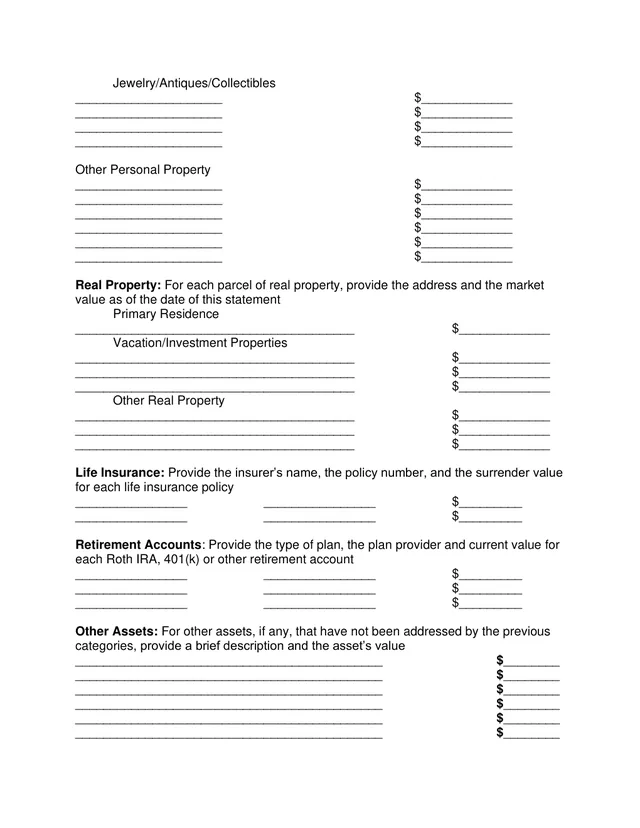
Provide the total value of each asset class; if you have more than one account or item, add up the individual amounts. See the attachment to provide greater detail.
Checking Accounts
$
Savings Accounts
$
Certificates of Deposit
$
Securities (Stocks/Bonds/Mutual Funds)
$
Notes Receivable
$
Personal Property
$
Real Estate
$
Life Insurance
$
Retirement Accounts
$
Other Assets
$
TOTAL ASSETS:
$
LIABILITIES___________________________________________________________
Provide the total value of each liability type; if you have more than one of a category, add up the individual amounts. See the attachment to provide greater detail.
Credit Card Debt
$
Student Loans
$
Vehicle Loans
$
Real Property Mortgages
$
Notes Payable/Promissory Notes
$
Other Liabilities
$
TOTAL LIABILITIES:
$
NET WORTH
$____________ - $____________ =
$
CERTIFICATION
I certify that the information contained in this statement is true and ac
How to fill it
Fill or edit this form in MePDF
- Preview page 4 to confirm the form name and revision.
- Select Fill form to answer the form one page at a time.
- Type an answer for each field; checkboxes and choices use the form’s own options.
- Preview the finished pages, then download the flattened PDF.
- The downloaded copy is image-only, so it cannot be edited as a form again.
Copy figures exactly from the statement and keep the currency clear. The editor keeps the original layout while you fill the existing fields.