What's inside
Form content
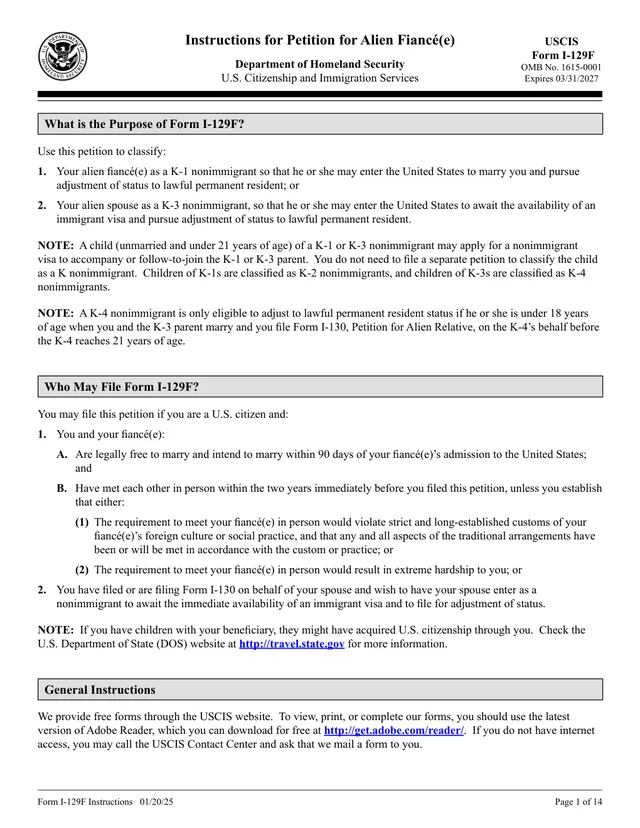
Instructions for Petition for Alien Fiancé(e)
Department of Homeland Security
U.S. Citizenship and Immigration Services
USCIS
Expires 03/31/2027
Form I-129F Instructions 01/20/25
What is the Purpose of Form I-129F?
Use this petition to classify:
1. Your alien fiancé(e) as a K-1 nonimmigrant so that he or she may enter the United States to marry you and pursue adjustment of status to lawful permanent resident; or
2. Your alien spouse as a K-3 nonimmigrant, so that he or she may enter the United States to await the availability of an immigrant visa and pursue adjustment of status to lawful permanent resident.
NOTE: A child (unmarried and under 21 years of age) of a K-1 or K-3 nonimmigrant may apply for a nonimmigrant visa to accompany or follow-to-join the K-1 or K-3 parent. You do not need to file a separate petition to classify the child as a K nonimmigrant. Children of K-1s are classified as K-2 nonimmigrants, and children of K-3s are classified as K-4 nonimmigrants.
NOTE: A K-4 nonimmigrant is only eligible to adjust to lawful permanent resident status if he or she is under 18 years of age when you and the K-3 parent marry and you file Form I-130, Petition for Alien Relative, on
How to fill it
Fill or edit this form in MePDF
- Preview page 1 to confirm the form name and revision.
- This PDF has no interactive fields, so the fill wizard cannot ask for answers.
- Use the page preview to check the form, then download or print it from the issuing agency.
Spell names exactly as they appear in the passport. Add only the fields the form needs, then flatten the copy when you export.