What's inside
Form content
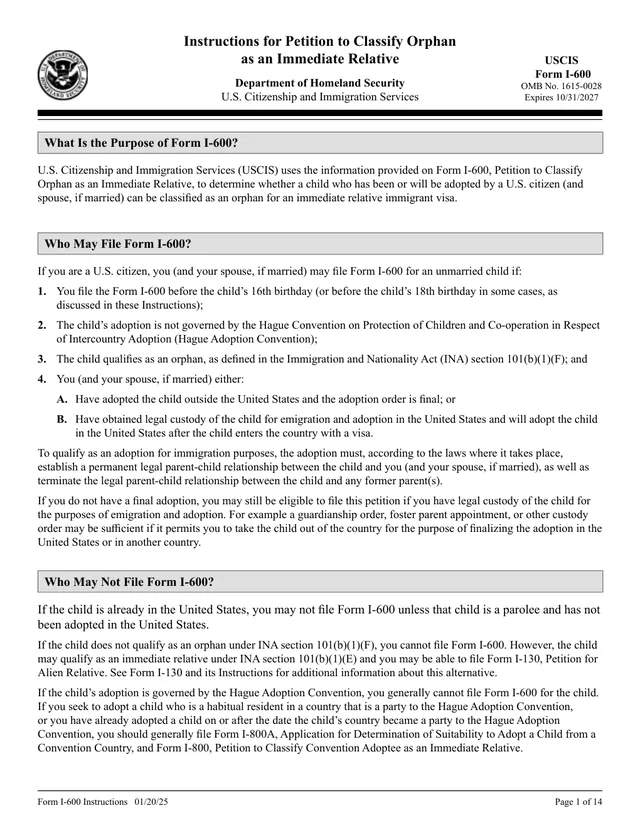
Instructions for Petition to Classify Orphan as an Immediate Relative
Department of Homeland Security
U.S. Citizenship and Immigration Services
USCIS
Expires 10/31/2027
What Is the Purpose of Form I-600?
U.S. Citizenship and Immigration Services (USCIS) uses the information provided on Form I-600, Petition to Classify
Orphan as an Immediate Relative, to determine whether a child who has been or will be adopted by a U.S. citizen (and spouse, if married) can be classified as an orphan for an immediate relative immigrant visa.
Who May File Form I-600?
If you are a U.S. citizen, you (and your spouse, if married) may file Form I-600 for an unmarried child if:
1. You file the Form I-600 before the child’s 16th birthday (or before the child’s 18th birthday in some cases, as discussed in these Instructions);
2. The child’s adoption is not governed by the Hague Convention on Protection of Children and Co-operation in Respect of Intercountry Adoption (Hague Adoption Convention);
3. The child qualifies as an orphan, as defined in the Immigration and Nationality Act (INA) section 101(b)(1)(F); and
4. You (and your spouse, if married) either:
A. Have adopted the child outside the United States
How to fill it
Fill or edit this form in MePDF
- Preview page 1 to confirm the form name and revision.
- This PDF has no interactive fields, so the fill wizard cannot ask for answers.
- Use the page preview to check the form, then download or print it from the issuing agency.
Spell names exactly as they appear in the passport. Add only the fields the form needs, then flatten the copy when you export.