What's inside
Form content
Form I-9 Instructions 01/20/25
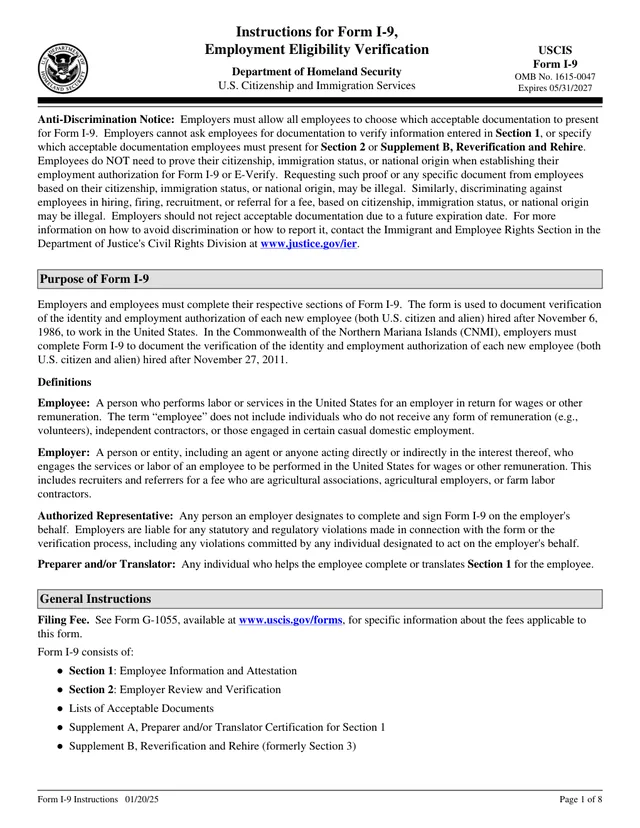
Instructions for Form I-9,
Employment Eligibility Verification
Department of Homeland Security
U.S. Citizenship and Immigration Services
USCIS
Expires 05/31/2027
Employers and employees must complete their respective sections of Form I-9. The form is used to document verification of the identity and employment authorization of each new employee (both U.S. citizen and alien) hired after November 6,
1986, to work in the United States. In the Commonwealth of the Northern Mariana Islands (CNMI), employers must complete Form I-9 to document the verification of the identity and employment authorization of each new employee (both
U.S. citizen and alien) hired after November 27, 2011.
Purpose of Form I-9
Anti-Discrimination Notice: Employers must allow all employees to choose which acceptable documentation to present for Form I-9. Employers cannot ask employees for documentation to verify information entered in Section 1, or specify which acceptable documentation employees must present for Section 2 or Supplement B, Reverification and Rehire.
Employees do NOT need to prove their citizenship, immigration status, or national origin when establishing their emplo
How to fill it
Fill or edit this form in MePDF
- Preview page 1 to confirm the form name and revision.
- This PDF has no interactive fields, so the fill wizard cannot ask for answers.
- Use the page preview to check the form, then download or print it from the issuing agency.
Spell names exactly as they appear in the passport. Add only the fields the form needs, then flatten the copy when you export.