What's inside
Form content
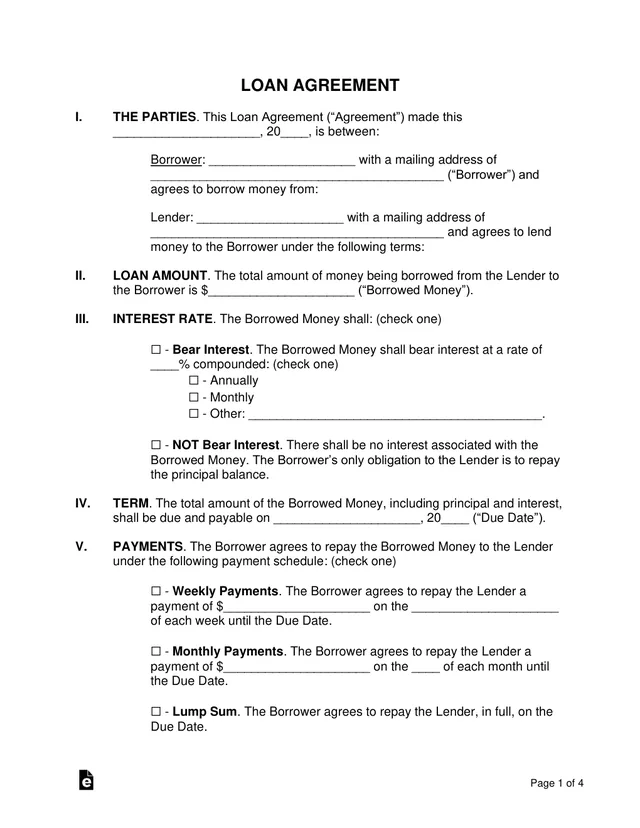
LOAN AGREEMENT
I.
THE PARTIES. This Loan Agreement (“Agreement”) made this
_____________________, 20____, is between:
Borrower: _____________________ with a mailing address of
__________________________________________ (“Borrower”) and agrees to borrow money from:
Lender: _____________________ with a mailing address of
__________________________________________ and agrees to lend money to the Borrower under the following terms:
II.
LOAN AMOUNT. The total amount of money being borrowed from the Lender to the Borrower is $_____________________ (“Borrowed Money”).
III.
INTEREST RATE. The Borrowed Money shall: (check one)
☐ - Bear Interest. The Borrowed Money shall bear interest at a rate of
____% compounded: (check one)
☐ - Annually
☐ - Monthly
☐ - Other: __________________________________________.
☐ - NOT Bear Interest. There shall be no interest associated with the
Borrowed Money. The Borrower’s only obligation to the Lender is to repay the principal balance.
IV.
TERM. The total amount of the Borrowed Money, including principal and interest, shall be due and payable on _____________________, 20____ (“Due Date”).
V.
PAYMENTS. The Borrower agrees to repay the Borrowed Money to the Len
How to fill it
Fill or edit this form in MePDF
- Preview page 1 to confirm the form name and revision.
- Select Fill form to answer the form one page at a time.
- Type an answer for each field; checkboxes and choices use the form’s own options.
- Preview the finished pages, then download the flattened PDF.
- The downloaded copy is image-only, so it cannot be edited as a form again.
Copy figures exactly from the statement and keep the currency clear. The editor keeps the original layout while you fill the existing fields.