What's inside
Form content
Form
53-1
Sales Tax Return
Department Use Only
(MM/DD/YY)
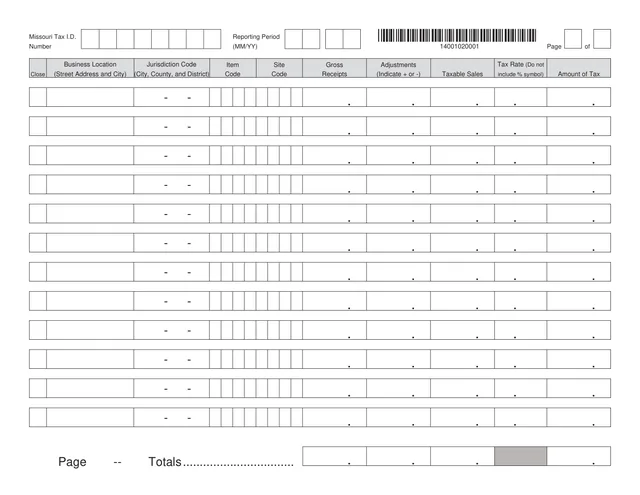
Reporting Period
(MM/YY)
Missouri Tax
I.D. Number
Federal Employer
I.D. Number
Owner
Business
Name
Name
Taxable Sales
Amount of Tax
1. Totals (All Pages)............................................................................
Adjustments
2. Subtract: 2% timely payment allowance (if applicable).......... -
3. Subtract quarter-monthly payments submitted (if applicable). -
4. Subtract: Approved credit....................................................... -
5. Balance Due.......................................................................... =
6. Add: Interest for late payments (See Line 6 instructions)...... +
7. Add: Additions to tax.............................................................. +
8. Pay this amount (U.S. funds only).......................................... =
Taxpayer or
Authorized Agent’s
Signature
Form 53-1 (Revised 08-2024)
Mail to:
Taxation Division
Phone: (573) 751-2836
P.O. Box 840
TDD: (800) 735-2966
Jefferson City, MO 65105-0840
Fax: (573) 526-8747
E-mail: [email protected]
*14001010001*
14001010001
Visit mytax.mo.gov
Final Return
Date Closed
(MM/DD/YY)
Out of Business
Sold Busin
How to fill it
Fill or edit this form in MePDF
- Preview page 2 to confirm the form name and revision.
- Select Fill form to answer the form one page at a time.
- Type an answer for each field; checkboxes and choices use the form’s own options.
- Preview the finished pages, then download the flattened PDF.
- The downloaded copy is image-only, so it cannot be edited as a form again.
Keep the tax year and filing status consistent on every page. The editor keeps the original layout while you fill the existing fields.