What's inside
Form content
How to Pay Your
Individual Income Tax Balance Due
Payment Options
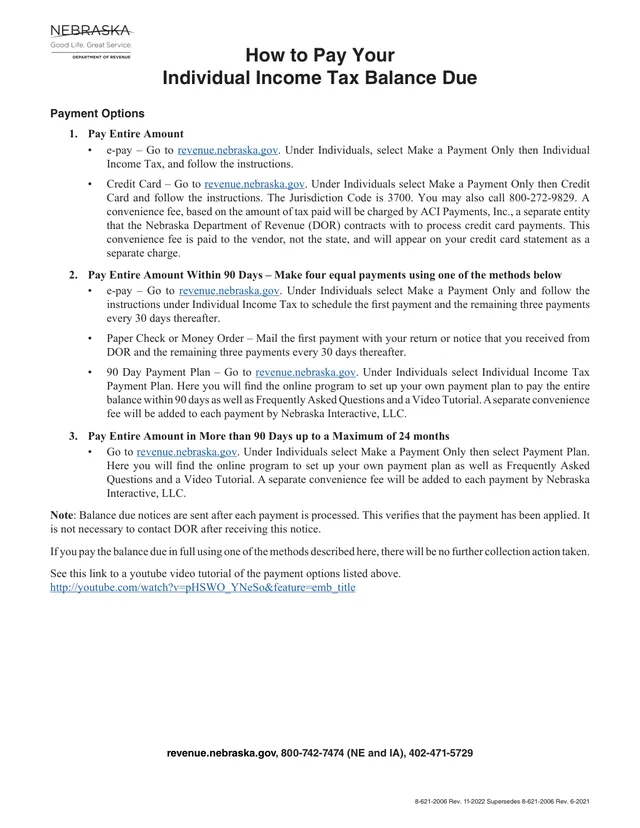
1. Pay Entire Amount
• e-pay – Go to revenue.nebraska.gov. Under Individuals, select Make a Payment Only then Individual
Income Tax, and follow the instructions.
•
Credit Card – Go to revenue.nebraska.gov. Under Individuals select Make a Payment Only then Credit
Card and follow the instructions. The Jurisdiction Code is 3700. You may also call 800‑272‑9829. A convenience fee, based on the amount of tax paid will be charged by ACI Payments, Inc., a separate entity that the Nebraska Department of Revenue (DOR) contracts with to process credit card payments. This convenience fee is paid to the vendor, not the state, and will appear on your credit card statement as a separate charge.
2. Pay Entire Amount Within 90 Days – Make four equal payments using one of the methods below
• e-pay – Go to revenue.nebraska.gov. Under Individuals select Make a Payment Only and follow the instructions under Individual Income Tax to schedule the first payment and the remaining three payments every 30 days thereafter.
•
Paper Check or Money Order – Mail the first payment with your return or notice that you received from
DOR and the remaini
How to fill it
Fill or edit this form in MePDF
- Preview page 1 to confirm the form name and revision.
- This PDF has no interactive fields, so the fill wizard cannot ask for answers.
- Use the page preview to check the form, then download or print it from the issuing agency.
Keep the tax year and filing status consistent on every page. Add only the fields the form needs, then flatten the copy when you export.