What's inside
Form content
STROH JOHNSON & COMPANY PAYROLL PROCESSING SERVICE
CLIENT: _______________________________________________
Employee Name: ___________________________F______M______
Address: _______________________________________
_______________________________________
______________________ Zip: _____________
Social Security No.: ________-________-_________
Date of Birth: ________________________
Phone No.: _________________________
Hire Date: _________________________
Pay Type: Salary: ________ Annual Amount: __________/year
Hourly: ________ Pay: ___________/hour
School District: _________________________
Deductions: Retirement, Garnishments, Child Support, H S A, Health Insurance deductions amounts/contributions will be withheld from the employees checks.
It is the employer responsibility to make the payments.
________________ ____________________ ____________________
Vacation Pay: hours earned/ year: _____ Maximum hours accrued: _________
Sick Pay: hours earned/year: _______ Maximum hours accrued: _________
Email Address: _______________________________________________________
(necessary information to view paychecks online)
Current Balance_________________
How to fill it
Fill or edit this form in MePDF
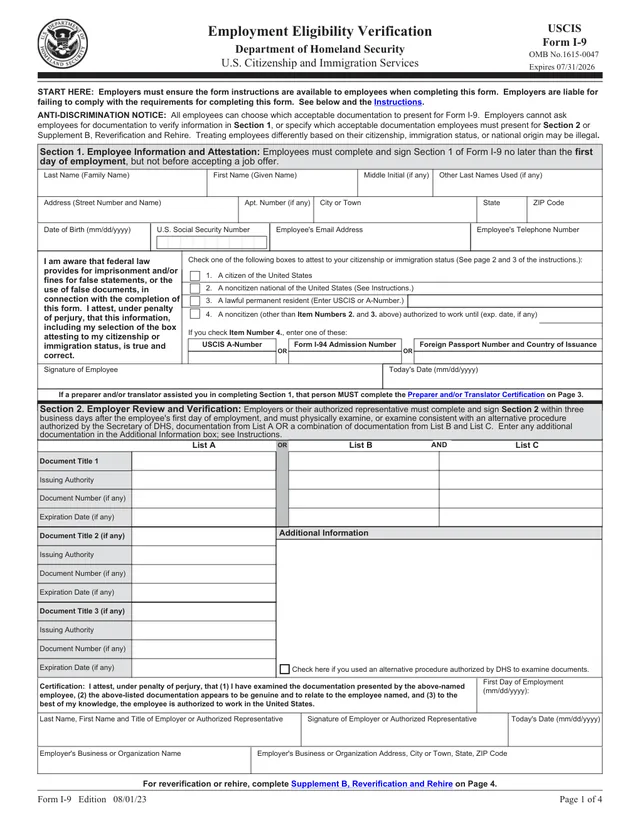
- Preview page 10 to confirm the form name and revision.
- Select Fill form to answer the form one page at a time.
- Type an answer for each field; checkboxes and choices use the form’s own options.
- Preview the finished pages, then download the flattened PDF.
- The downloaded copy is image-only, so it cannot be edited as a form again.
Match the employer's legal name and the employee's tax details. The editor keeps the original layout while you fill the existing fields.