What's inside
Form content
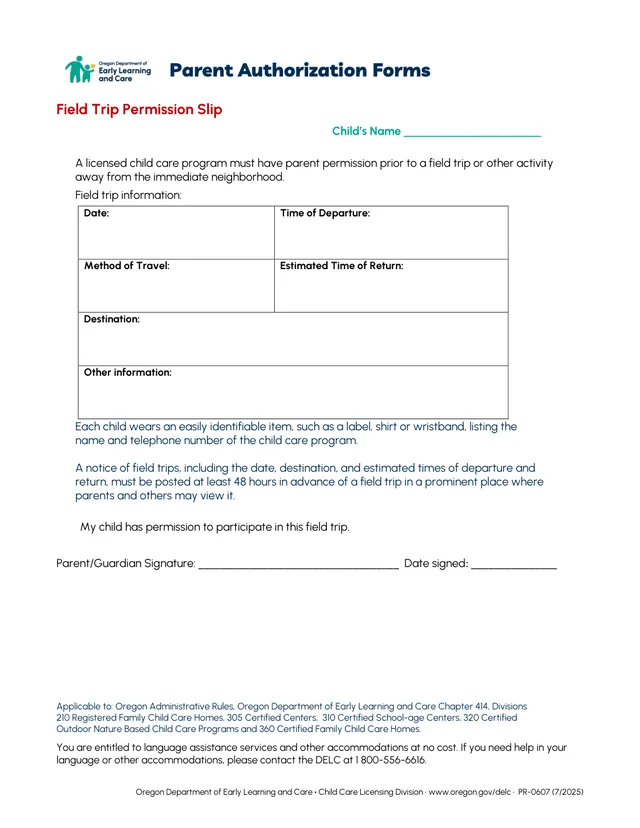
Parent Authorization Forms
Oregon Department of Early Learning and Care • Child Care Licensing Division • www.oregon.gov/delc • PR-0607 (7/2025)
A licensed child care program must have the following current permissions from the parent(s) when applicable.
Parent Permission to Pick Up
Documentation of permission for a person not listed in the child’s records to pick up the child must include:
Child’s Name ______________________
(A) Date and time of the permission:
(B) Period of time the permission is valid:
(C) Name of the individual providing permission:
(D) Full Name of the individual permitted to pick up the child:
(E) Name of the staff receiving the permission*:
Parent/Guardian Signature: _________________________________________
Date signed: __________________
*Signature of staff member that checked the individual’s ID at time of pick up
Applicable to: Oregon Administrative Rules, Oregon Department of Early Learning and Care Chapter 414, Divisions
210 Registered Family Child Care Homes, 305 Certified Centers, 310 Certified School-age Centers, 320 Certified
Outdoor Nature Based Child Care Programs and 360 Certified Family Child Care Homes.
You are entitled to language assistance
How to fill it
Fill or edit this form in MePDF
- Preview page 3 to confirm the form name and revision.
- Select Fill form to answer the form one page at a time.
- Type an answer for each field; checkboxes and choices use the form’s own options.
- Preview the finished pages, then download the flattened PDF.
- The downloaded copy is image-only, so it cannot be edited as a form again.
Spell names exactly as they appear in the passport. The editor keeps the original layout while you fill the existing fields.