What's inside
Form content
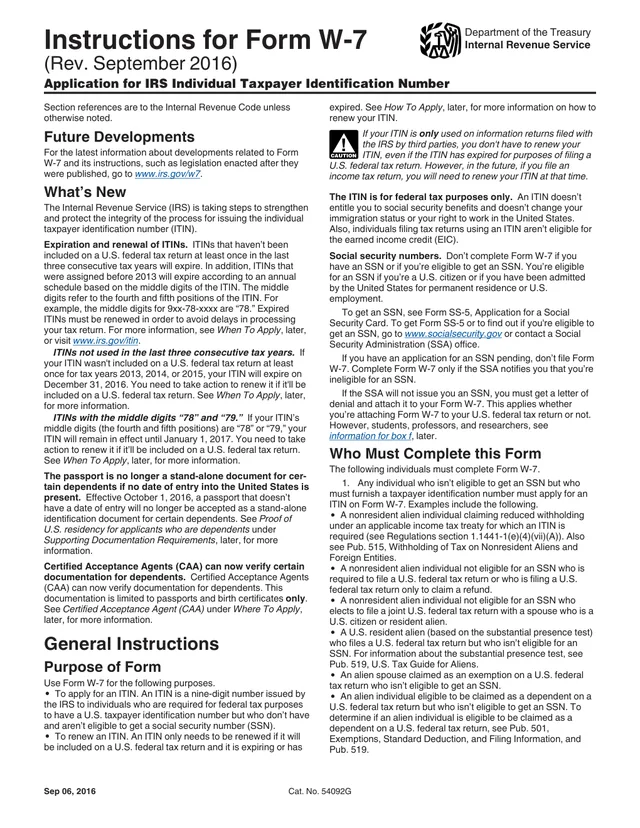
Instructions for Form W-7
(Rev. September 2016)
Application for IRS Individual Taxpayer Identification Number
Section references are to the Internal Revenue Code unless otherwise noted.
Future Developments
For the latest information about developments related to Form
W-7 and its instructions, such as legislation enacted after they were published, go to www.irs.gov/w7.
What’s New
The Internal Revenue Service (IRS) is taking steps to strengthen and protect the integrity of the process for issuing the individual taxpayer identification number (ITIN).
Expiration and renewal of ITINs. ITINs that haven’t been included on a U.S. federal tax return at least once in the last three consecutive tax years will expire. In addition, ITINs that were assigned before 2013 will expire according to an annual schedule based on the middle digits of the ITIN. The middle digits refer to the fourth and fifth positions of the ITIN. For example, the middle digits for 9xx-78-xxxx are “78.” Expired
ITINs must be renewed in order to avoid delays in processing your tax return. For more information, see When To Apply, later, or visit www.irs.gov/itin.
ITINs not used in the last three consecutive tax years. If yo
How to fill it
Fill or edit this form in MePDF
- Preview page 1 to confirm the form name and revision.
- This PDF has no interactive fields, so the fill wizard cannot ask for answers.
- Use the page preview to check the form, then download or print it from the issuing agency.
Keep the tax year and filing status consistent on every page. Add only the fields the form needs, then flatten the copy when you export.