What's inside
Form content
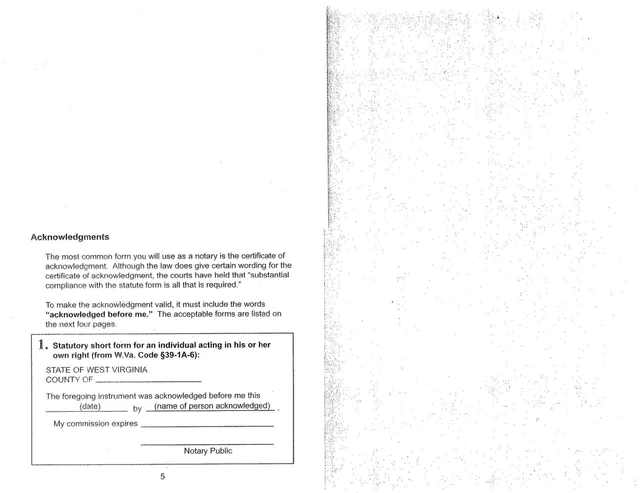
This PDF is image-based. Preview the page to read it, then use the editor to add text or fields.
How to fill it
Fill or edit this form in MePDF
- Preview page 1 to confirm the form name and revision.
- This PDF has no interactive fields, so the fill wizard cannot ask for answers.
- Use the page preview to check the form, then download or print it from the issuing agency.
Spell names exactly as they appear in the passport. Add only the fields the form needs, then flatten the copy when you export.