What's inside
Form content
Protected B when completed
Statement of Farming Activities
• Use this form to calculate your self-employment farming income.
• For each farming business, fill in a separate Form T2042.
• Fill in this form and send it with your income tax and benefit return.
• For more information on how to fill in this form, see Guide T4002, Self-employed Business, Professional, Commission, Farming, and Fishing Income.
Part 1 – Identification
Your name
Your social insurance number
Farm name
Business number
Farm address
City
Prov./Terr. Postal code
Fiscal period
From
Date (YYYYMMDD) to
Date (YYYYMMDD)
Was this your last year of farming?
Yes
No
Main product or service
Industry code
(see Chapter 2 in Guide T4002)
Accounting method
Cash
Accrual
Tax shelter identification number
Partnership business number Your percentage of the partnership
%
Name and address of the person or firm preparing this form
Part 2 – Internet business activities
If your web pages or websites generate farming income, fill in this part of the form.
From how many Internet web pages and websites (including third-party platform websites) does your business earn income?
Enter "0" if none. . . . . . . . . . . . . . . . . . . . . . . .
How to fill it
Fill or edit this form in MePDF
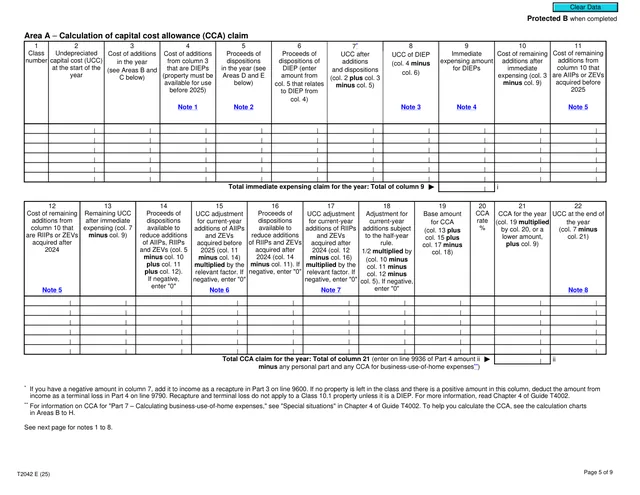
- Preview page 5 to confirm the form name and revision.
- Select Fill form to answer the form one page at a time.
- Type an answer for each field; checkboxes and choices use the form’s own options.
- Preview the finished pages, then download the flattened PDF.
- The downloaded copy is image-only, so it cannot be edited as a form again.
Keep the tax year and filing status consistent on every page. The editor keeps the original layout while you fill the existing fields.