What's inside
Form content
Protected B when completed
Election on Disposition of Property by a Taxpayer to a Taxable Canadian Corporation
Do not use this area.
• This form is used by a taxpayer and a taxable Canadian corporation to jointly elect under subsection 85(1) where the taxpayer has disposed of eligible property under subsection 85(1.1) to the corporation and the taxpayer receives as consideration shares of capital stock of the corporation.
• In order to file this election, you must have a valid Canada Revenue Agency (CRA) account number. For information on how to obtain one, visit canada.ca.
• Unless otherwise indicated, all legislative references are to the Income Tax Act.
• To file this form electronically, please go to canada.ca/cra-special-elections-and-returns.
Or mail one copy of the election and related documents (if any), completed by the transferor as follows:
– to the tax centre of the transferor
– on or before the earliest date on which any party to the election has to file an income tax return for the tax year in which the transaction occurred (due date). This due date must consider any election under subsection 25(1) or 99(2), and
– separately from any other return
• When many transfero
How to fill it
Fill or edit this form in MePDF
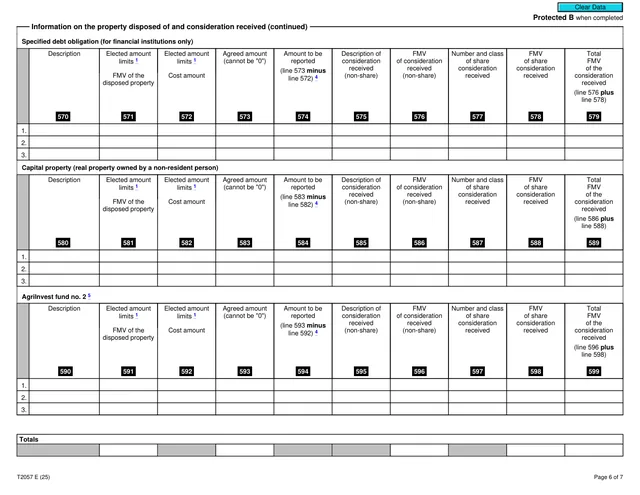
- Preview page 6 to confirm the form name and revision.
- Select Fill form to answer the form one page at a time.
- Type an answer for each field; checkboxes and choices use the form’s own options.
- Preview the finished pages, then download the flattened PDF.
- The downloaded copy is image-only, so it cannot be edited as a form again.
Keep the tax year and filing status consistent on every page. The editor keeps the original layout while you fill the existing fields.