What's inside
Form content
Aspect certificate (QBCC licensee)
This form is to be used for the purposes of sections 68, 69 and 70(1)(a) of the Building Regulation 2021, to state the aspect work for a single detached class 1a building and class 10 building and structure is compliant with the building development approval.
Additional explanatory information is included in the Appendix at the end of the form.
1. Indicate scope of the aspect/s
Scope of the aspect work
Scope of the work covered by the licence class under the Queensland Building and
Construction Commission Regulation 2018 for the aspect being certified, e.g. scope of work for a waterproofing licence is ‘installing waterproofing materials or systems for preventing moisture penetration’. An aspect being certified may include ‘wet area sealing to showers’.
2. Property description
The description must identify all land the subject of the application.
The lot and plan details (e.g. SP/RP) are shown on title documents or a rates notice.
If the plan is not registered by title, provide previous lot and plan details.
Street address (include number, street, suburb/locality and postcode)
State
Postcode
Lot and plan details (attach list if necessary)
Local gov
How to fill it
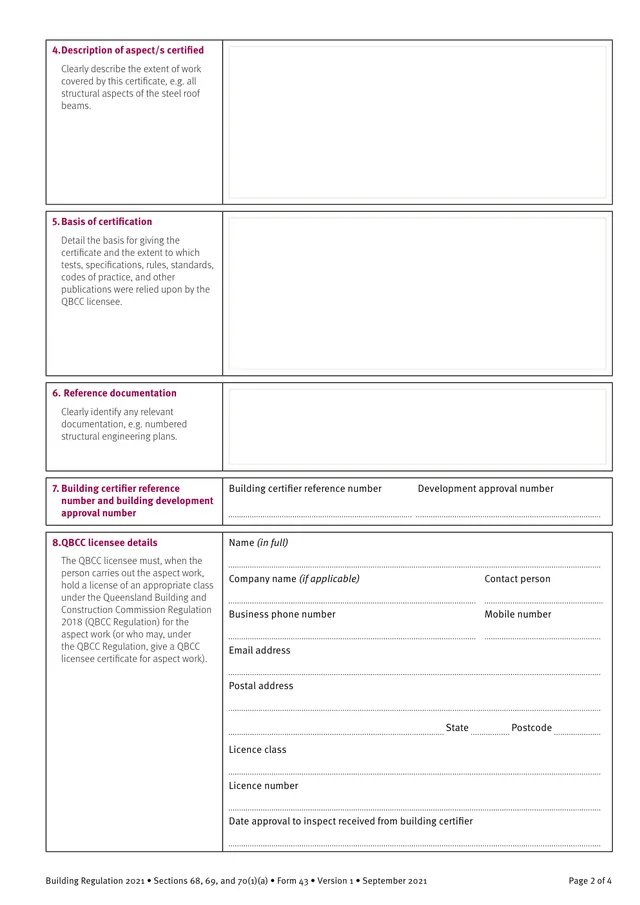
Fill or edit this form in MePDF
- Preview page 2 to confirm the form name and revision.
- Select Fill form to answer the form one page at a time.
- Type an answer for each field; checkboxes and choices use the form’s own options.
- Preview the finished pages, then download the flattened PDF.
- The downloaded copy is image-only, so it cannot be edited as a form again.
Use the registered business name and the correct tax identifier. The editor keeps the original layout while you fill the existing fields.