What's inside
Form content
Protected B when completed
Request for a Business Number and Certain Program Accounts
FOR OFFICE USE
BN
The easiest and quickest way to apply for a business number (BN) and register for certain program accounts is through
Business Registration Online. In most cases you will receive your BN and/or program account instantly.
For more information, go to canada.ca/business-registration-online. Non-residents can also apply for their non-resident BN online. For more information, go to canada.ca/en/revenue-agency/services/tax/businesses/topics/business-registration/ business-number-program-account/how-register/non-resident.html.
Alternatively, if you cannot register online, you can fill out and send this form to your tax centre (TC). You will then receive your
BN and/or program account number by mail. This process and mailing time can take 30 days or more.
You can find your TC address at canada.ca/cra-tso-contact-information. If you are a non-resident of Canada, you can fill out this form and send it to a non-resident TC. To determine where to send this form to, go to canada.ca/non-resident- registration-enquiries.
For more information about business number registration, go to canada.ca/b
How to fill it
Fill or edit this form in MePDF
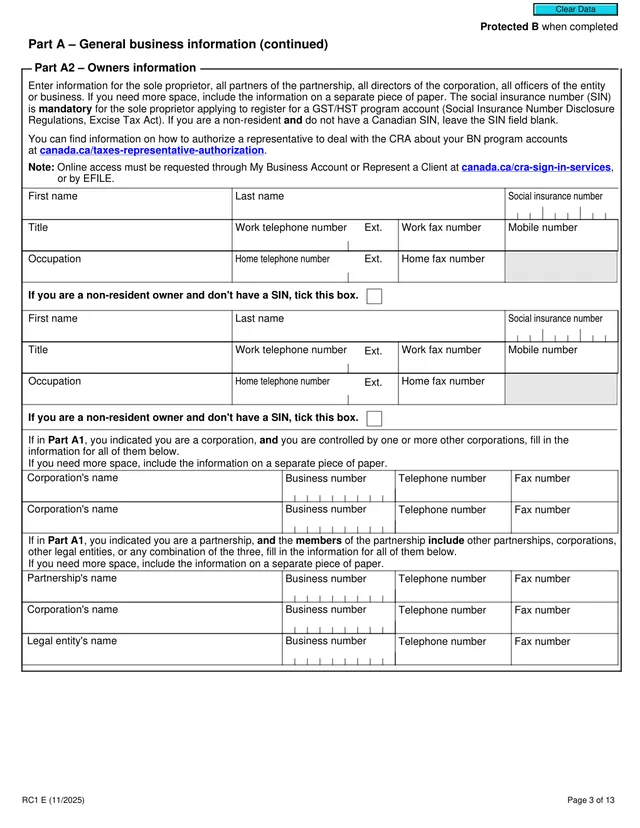
- Preview page 3 to confirm the form name and revision.
- Select Fill form to answer the form one page at a time.
- Type an answer for each field; checkboxes and choices use the form’s own options.
- Preview the finished pages, then download the flattened PDF.
- The downloaded copy is image-only, so it cannot be edited as a form again.
Use the registered business name and the correct tax identifier. The editor keeps the original layout while you fill the existing fields.