What's inside
Form content
(Form 990)
2025
Hospitals
Complete if the organization answered “Yes” on Form 990, Part IV, question 20a.
Attach to Form 990.
Go to www.irs.gov/Form990 for instructions and the latest information.
Open to Public
Inspection
Name of the organization
Employer identification number
Part I
Financial Assistance and Certain Other Community Benefits at Cost
Yes
No
1a
Did the organization have a financial assistance policy (FAP) during the tax year? If “No,” skip to question 6a
1a b
If “Yes,” was it a written policy?
.
.
.
.
.
.
.
.
.
.
.
.
.
.
.
.
.
.
.
.
.
.
.
.
.
1b
2
If the organization had multiple hospital facilities, indicate which of the following best describes application of the FAP to its various hospital facilities during the tax year:
Applied uniformly to all hospital facilities
Applied uniformly to most hospital facilities
Generally tailored to individual hospital facilities
3
Answer the following based on the financial assistance eligibility criteria that applied to the largest number of the organization’s patients during the tax year.
a Did the organization use federal poverty guidelines (FPG) as a factor in determining eligibility for providing free care? If “Yes,” indicate
How to fill it
Fill or edit this form in MePDF
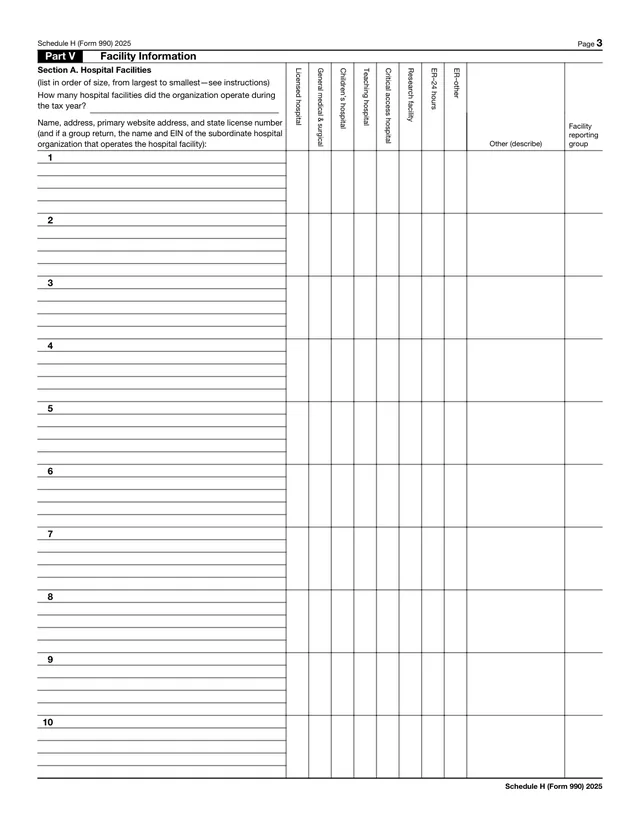
- Preview page 3 to confirm the form name and revision.
- Select Fill form to answer the form one page at a time.
- Type an answer for each field; checkboxes and choices use the form’s own options.
- Preview the finished pages, then download the flattened PDF.
- The downloaded copy is image-only, so it cannot be edited as a form again.
Use the patient's legal name and the insurer's exact member details. The editor keeps the original layout while you fill the existing fields.