What's inside
Form content
SAR 7A (12/14) REQUIRED FORM - SUBSTITUTES PERMITTED
STATE OF CALIFORNIA- HEALTH AND HUMAN SERVICES AGENCY
CALIFORNIA DEPARTMENT OF SOCIAL SERVICES
CALIFORNIA DEPARTMENT OF HEALTH CARE SERVICES
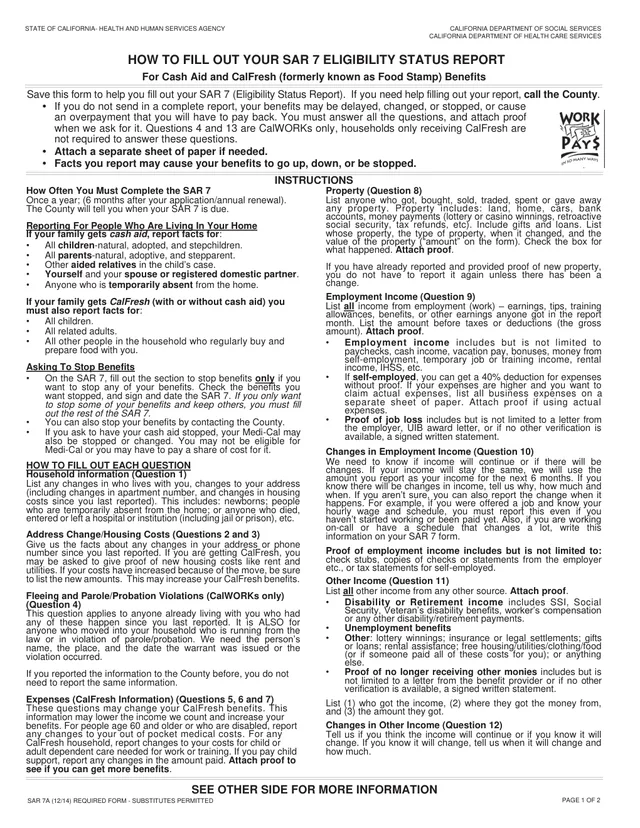
HOW TO FILL OUT YOUR SAR 7 ELIGIBILITY STATUS REPORT
For Cash Aid and CalFresh (formerly known as Food Stamp) Benefits
Save this form to help you fill out your SAR 7 (Eligibility Status Report). If you need help filling out your report, call the County.
• If you do not send in a complete report, your benefits may be delayed, changed, or stopped, or cause an overpayment that you will have to pay back. You must answer all the questions, and attach proof when we ask for it. Questions 4 and 13 are CalWORKs only, households only receiving CalFresh are not required to answer these questions.
• Attach a separate sheet of paper if needed.
• Facts you report may cause your benefits to go up, down, or be stopped.
INSTRUCTIONS
How Often You Must Complete the SAR 7
Once a year; (6 months after your application/annual renewal).
The County will tell you when your SAR 7 is due.
Reporting For People Who Are Living In Your Home
If your family gets cash aid, report facts for:
•
All children-natural, adopted,
How to fill it
Fill or edit this form in MePDF
- Preview page 1 to confirm the form name and revision.
- This PDF has no interactive fields, so the fill wizard cannot ask for answers.
- Use the page preview to check the form, then download or print it from the issuing agency.
Use the patient's legal name and the insurer's exact member details. Add only the fields the form needs, then flatten the copy when you export.