What's inside
Form content
(Rev. December 2024)
Credit for Increasing Research Activities
Attach to your tax return.
Go to www.irs.gov/Form6765 for instructions and the latest information.
Attachment
Sequence No. 676
Name(s) shown on return
Identifying number
A
Are you electing the reduced credit under section 280C? See instructions .
.
.
.
.
.
.
.
.
.
.
.
.
.
Yes
No
B
Are you a member of a controlled group or business under common control?.
.
.
.
.
.
.
.
.
.
.
.
.
Yes
No
If “Yes,” complete and attach the required statement. See instructions for required attachment.
Section A—Regular Credit. Skip this section and go to Section B if you are electing or previously elected (and are not revoking) the alternative simplified credit.
1
Certain amounts paid or incurred to energy consortia (see instructions)
.
.
.
.
.
.
.
.
.
.
1
2
Basic research payments to qualified organizations (see instructions) .
.
.
2
3
Qualified organization base period amount .
.
.
.
.
.
.
.
.
.
.
.
3
4
Subtract line 3 from line 2. If zero or less, enter -0- .
.
.
.
.
.
.
.
.
.
.
.
.
.
.
.
.
4
Note: Complete Section F before going to line 5.
5
Total qualified research expenses (QREs). Enter amount from line 48 .
.
.
5
6
Enter fixed-base perc
How to fill it
Fill or edit this form in MePDF
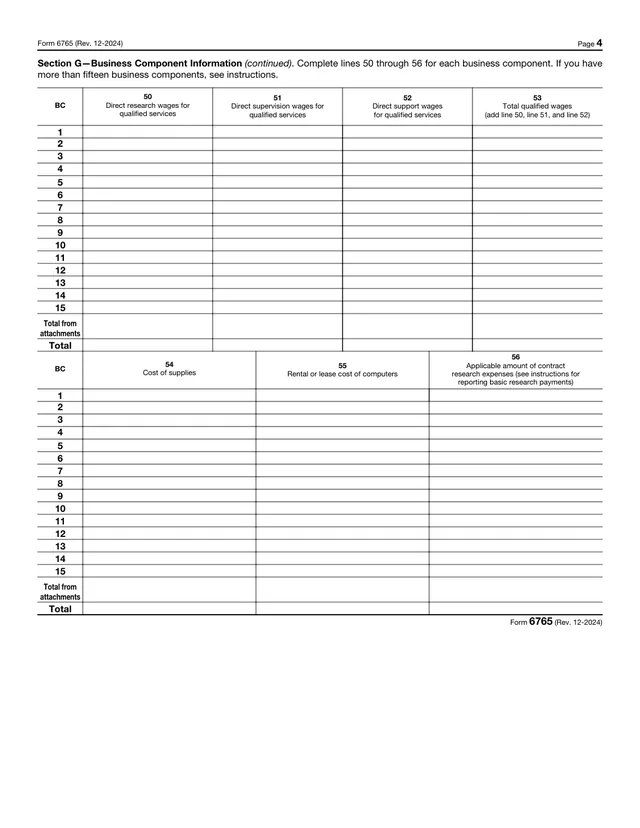
- Preview page 4 to confirm the form name and revision.
- Select Fill form to answer the form one page at a time.
- Type an answer for each field; checkboxes and choices use the form’s own options.
- Preview the finished pages, then download the flattened PDF.
- The downloaded copy is image-only, so it cannot be edited as a form again.
Use the registered business name and the correct tax identifier. The editor keeps the original layout while you fill the existing fields.