What's inside
Form content
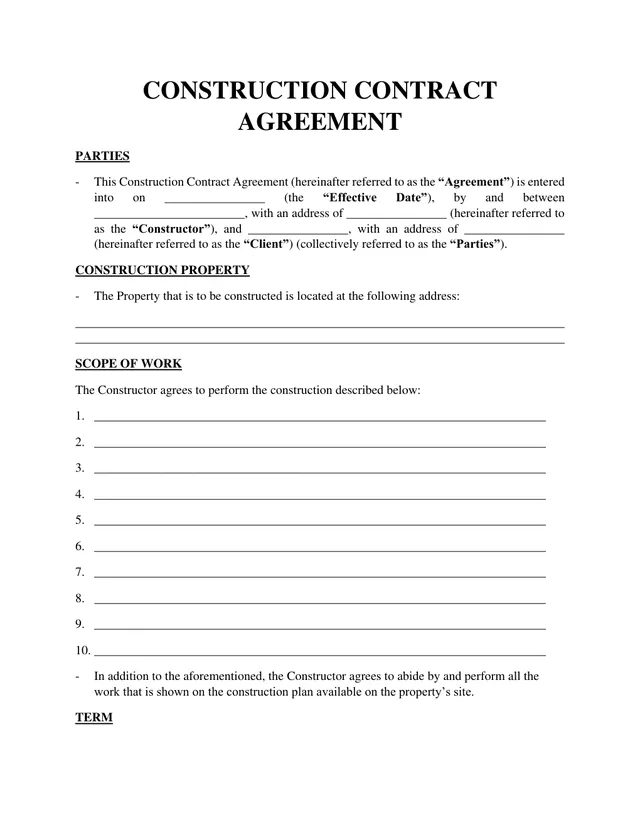
CONSTRUCTION CONTRACT
AGREEMENT
PARTIES
-
This Construction Contract Agreement (hereinafter referred to as the “Agreement”) is entered into on
________________
(the
“Effective
Date”), by and between
________________________, with an address of ________________ (hereinafter referred to as the “Constructor”), and ________________, with an address of ________________
(hereinafter referred to as the “Client”) (collectively referred to as the “Parties”).
CONSTRUCTION PROPERTY
-
The Property that is to be constructed is located at the following address:
______________________________________________________________________________
______________________________________________________________________________
SCOPE OF WORK
The Constructor agrees to perform the construction described below:
1. ________________________________________________________________________
2. ________________________________________________________________________
3. ________________________________________________________________________
4. ________________________________________________________________________
5. ________________________________________________________________________
6. _______________________
How to fill it
Fill or edit this form in MePDF
- Preview page 1 to confirm the form name and revision.
- This PDF has no interactive fields, so the fill wizard cannot ask for answers.
- Use the page preview to check the form, then download or print it from the issuing agency.
Use the registered business name and the correct tax identifier. Add only the fields the form needs, then flatten the copy when you export.