What's inside
Form content
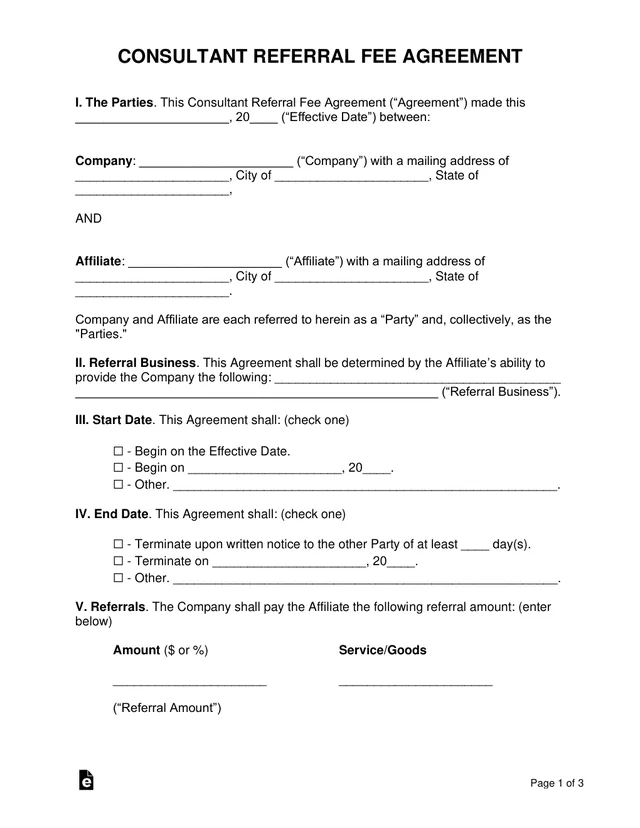
CONSULTANT REFERRAL FEE AGREEMENT
I. The Parties. This Consultant Referral Fee Agreement (“Agreement”) made this
______________________, 20____ (“Effective Date”) between:
Company: ______________________ (“Company”) with a mailing address of
______________________, City of ______________________, State of
______________________,
AND
Affiliate: ______________________ (“Affiliate”) with a mailing address of
______________________, City of ______________________, State of
______________________.
Company and Affiliate are each referred to herein as a “Party” and, collectively, as the
"Parties."
II. Referral Business. This Agreement shall be determined by the Affiliate’s ability to provide the Company the following: _________________________________________
____________________________________________________ (“Referral Business”).
III. Start Date. This Agreement shall: (check one)
☐ - Begin on the Effective Date.
☐ - Begin on ______________________, 20____.
☐ - Other. _______________________________________________________.
IV. End Date. This Agreement shall: (check one)
☐ - Terminate upon written notice to the other Party of at least ____ day(s).
☐ - Terminate on _____________________
How to fill it
Fill or edit this form in MePDF
- Preview page 1 to confirm the form name and revision.
- Select Fill form to answer the form one page at a time.
- Type an answer for each field; checkboxes and choices use the form’s own options.
- Preview the finished pages, then download the flattened PDF.
- The downloaded copy is image-only, so it cannot be edited as a form again.
Use the registered business name and the correct tax identifier. The editor keeps the original layout while you fill the existing fields.