What's inside
Form content
2.240
Attachment 6 page 1
The Research Corporation of the University of Hawaii
PETTY CASH SUMMARY SHEET
Period Beginning: __________________________
Ending: __________________________
1.
Petty Cash Advanced ................................................................................ $ _____________
2.
Cash on Hand ............................................... $ ___________________
3.
Expenses (original receipts attached) ........... $ ___________________
4.
Cash Reimbursement in Transit .................... $ ___________________
TOTAL PETTY CASH (lines 2, 3 & 4) ........................................... $ _____________
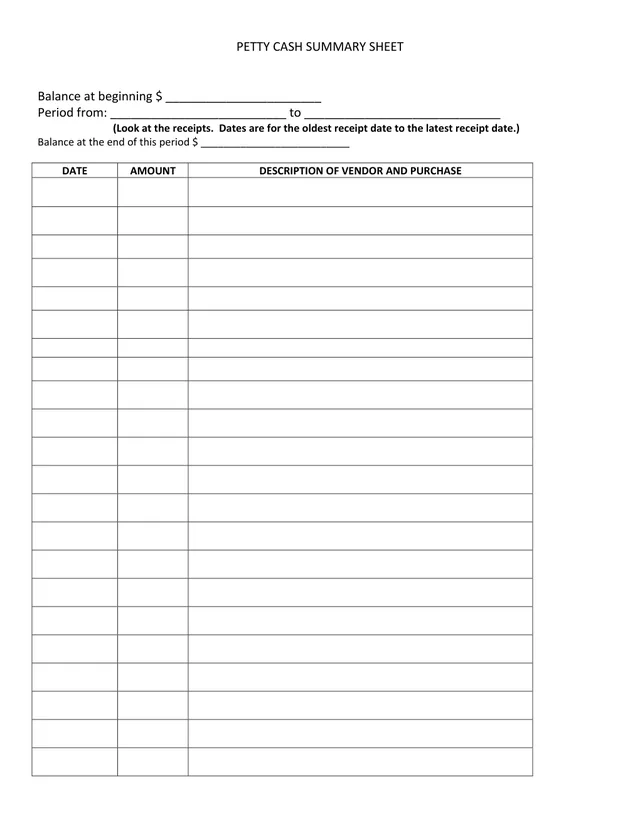
Please attach itemized listing together with applicable original receipts.
Submitted by: ___________________________________________ Date _____________________
Custodian Signature
Approved by: ____________________________________________ Date _____________________
Principal Investigator Signature
Approved by: _____________________________________________ Date ____________________
Fiscal Officer Signature
MAKE CHECK PAYABLE TO: _____________________________________, Custodian, in the amount of
$ _________________________ (reference line 3).
Project Name: _____
How to fill it
Fill or edit this form in MePDF
- Preview page 3 to confirm the form name and revision.
- Select Fill form to answer the form one page at a time.
- Type an answer for each field; checkboxes and choices use the form’s own options.
- Preview the finished pages, then download the flattened PDF.
- The downloaded copy is image-only, so it cannot be edited as a form again.
Use the registered business name and the correct tax identifier. The editor keeps the original layout while you fill the existing fields.