What's inside
Form content
Free Lawn Care Contract
This agreement is made and entered into between:
Full Legal Names: ____________________________________________________
(Hereinafter referred to as "the Client")
AND
Full Legal Names: ____________________________________________________
(Hereinafter referred to as "the Contractor")
The Client hereby engages the Contractor to perform lawn care services at the following address: _____________________________________________________________________
(“Address”)
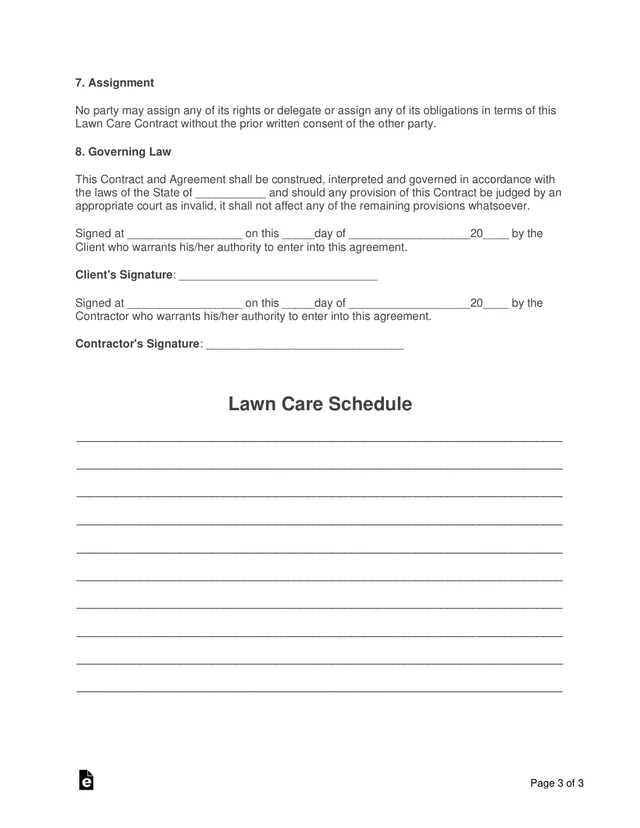
The services provided at the Address must be in accordance to the scope of the work detailed and priced on the Lawn Care Schedule which is attached hereto and forms part of this Lawn
Care Contract.
1. Any additional work required by the Client or proposed by the Contractor which is not specified on the Lawn Care Schedule shall be quoted for separately and when completed added to the invoice.
2. Invoices shall be issued at the end of every month with payment due within ____ days from the date of invoice. Returned checks for whatsoever reason shall incur a $20 fee and overdue accounts shall accrue interest at a rate of _____% per annum. The Contractor reserves the right to suspend services if payments are n
How to fill it
Fill or edit this form in MePDF
- Preview page 3 to confirm the form name and revision.
- Select Fill form to answer the form one page at a time.
- Type an answer for each field; checkboxes and choices use the form’s own options.
- Preview the finished pages, then download the flattened PDF.
- The downloaded copy is image-only, so it cannot be edited as a form again.
Use the registered business name and the correct tax identifier. The editor keeps the original layout while you fill the existing fields.